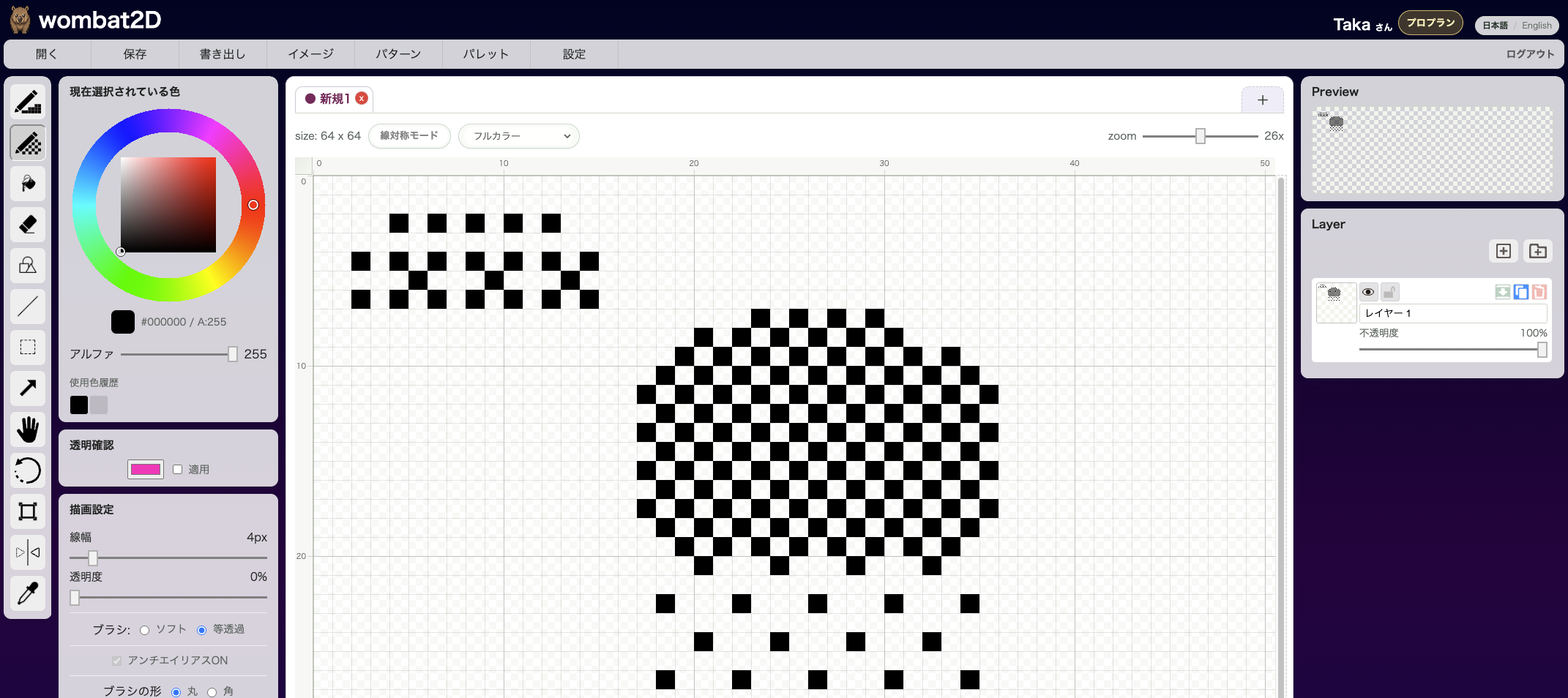
Save / Load Palette lets you save the colors used in an image and later load a saved palette back into the current artwork. It is useful when you want multiple assets to share a unified color style, or when you need to work within a fixed palette for game development.
Save a Palette
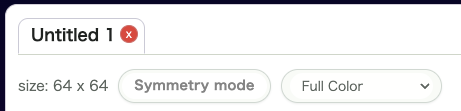
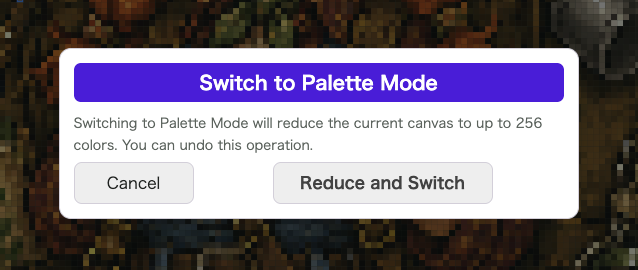
Before saving, make sure the canvas is in Palette Mode. If it is still in Full Color Mode, switch it first. Because the mode change automatically reduces the image to 256 colors, use Reduce Colors or Merge Colors beforehand if you want to fine-tune the palette before the final conversion.
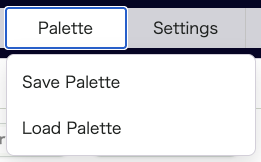
Open Palette > Save Palette to bring up the save window.
Enter a file name and click Save to store the palette. Save and Download also downloads the palette file to your local machine.
You can also delete previously saved palettes from the same window.
Load a Palette
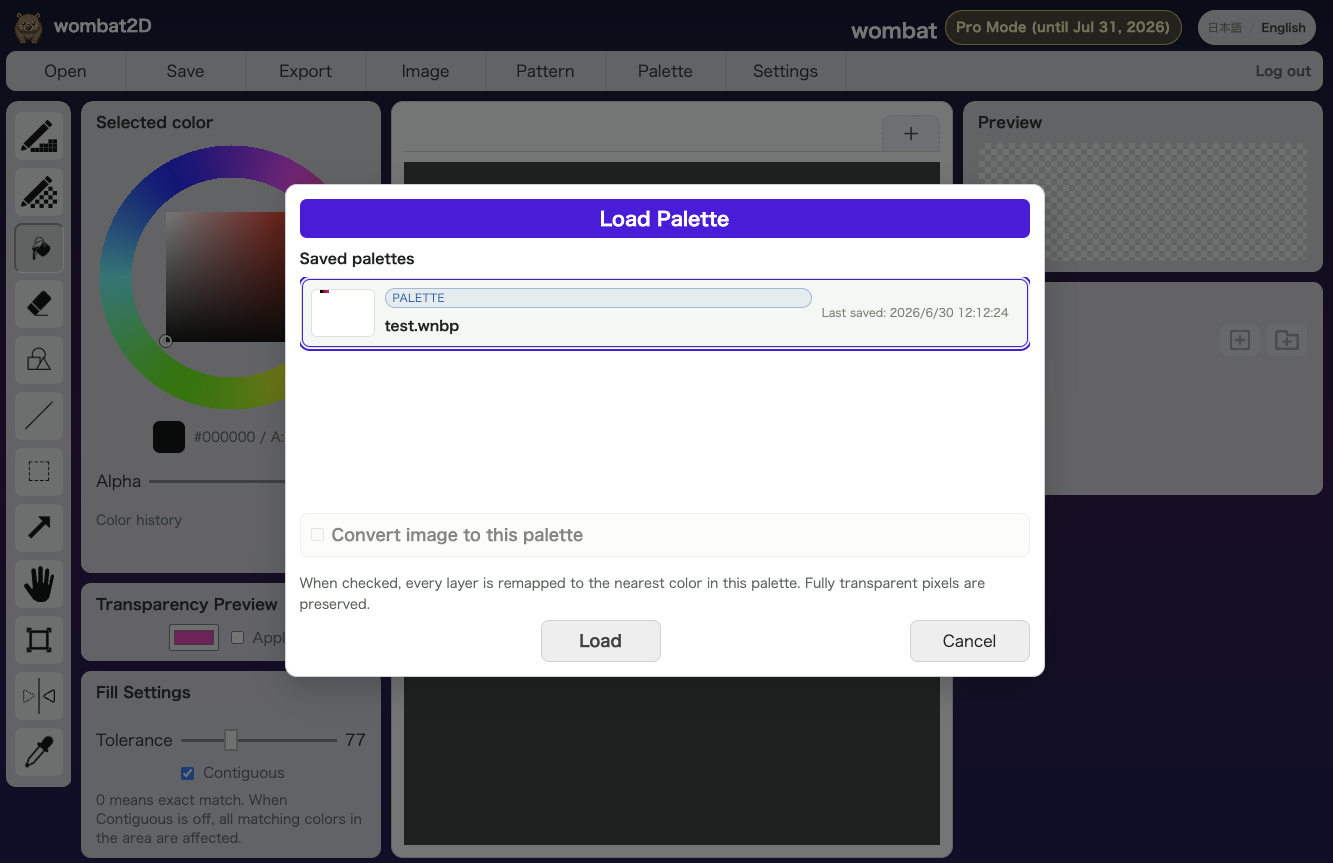
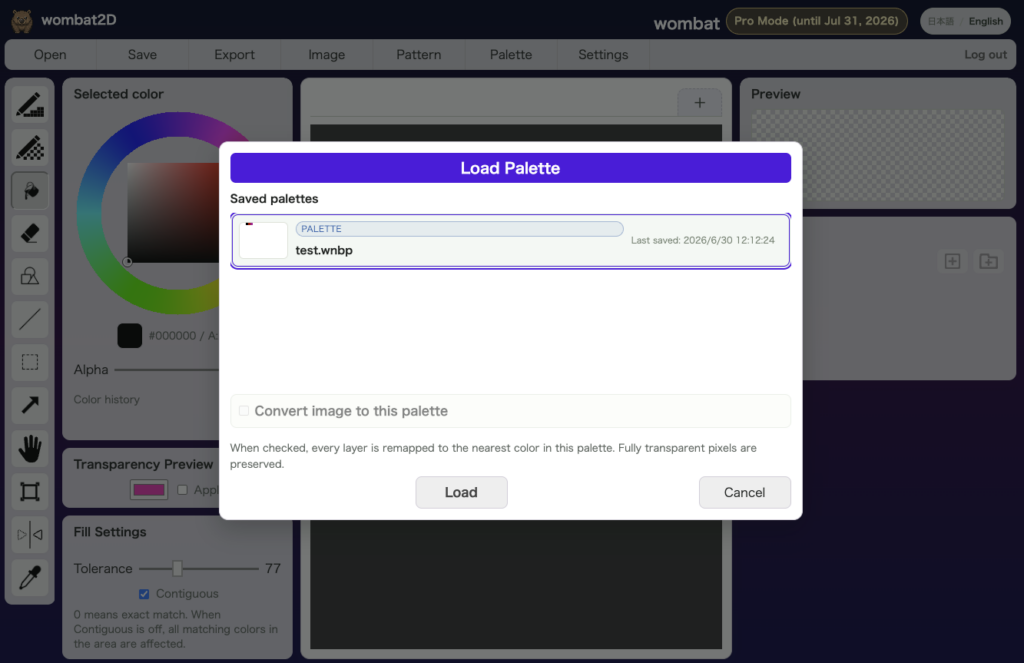
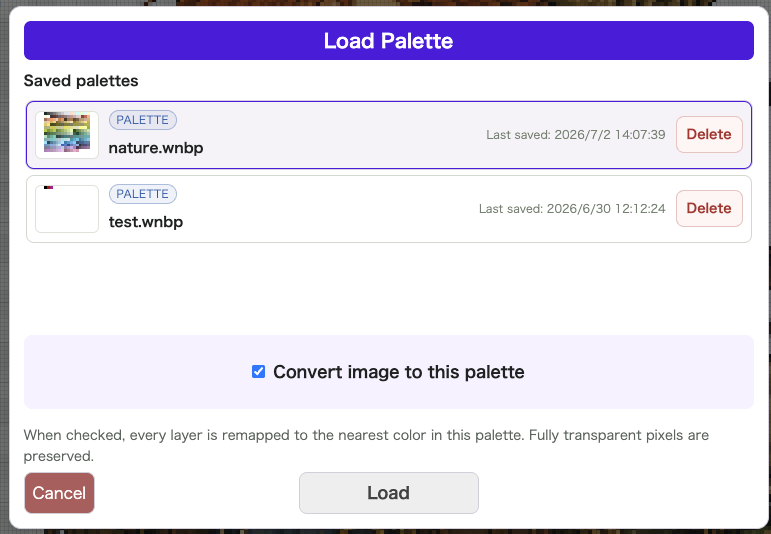
Open Palette > Load Palette to choose a palette that has already been saved.
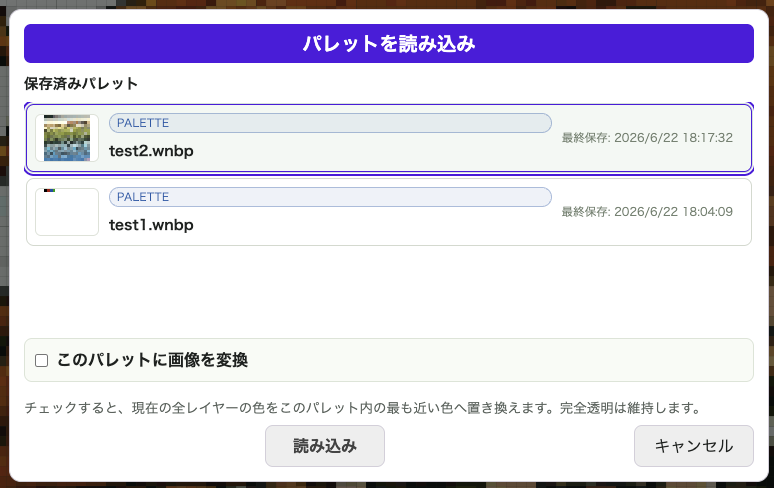
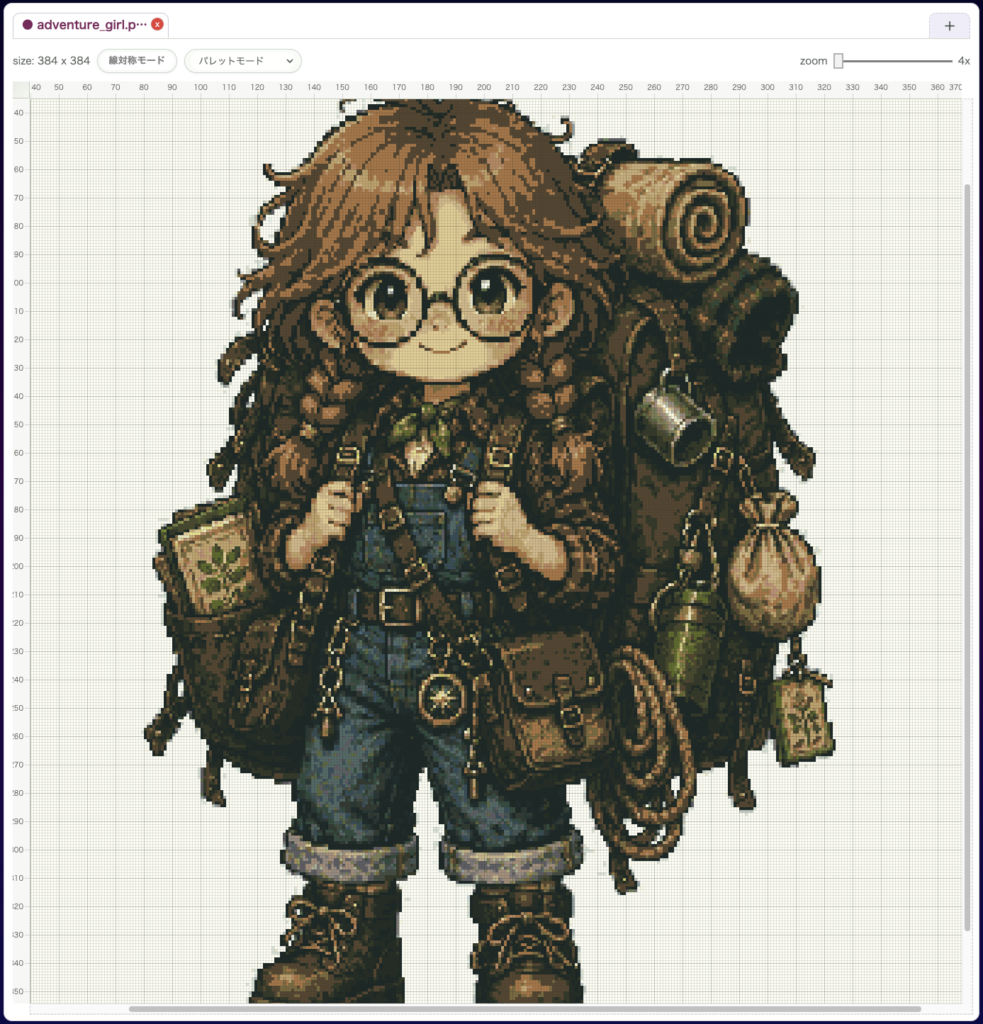
If you enable Convert image to this palette while loading, the colors in the current image are remapped to the closest colors in the selected palette.
Example: Convert Image to This Palette
Here is a simple example of what that option does.
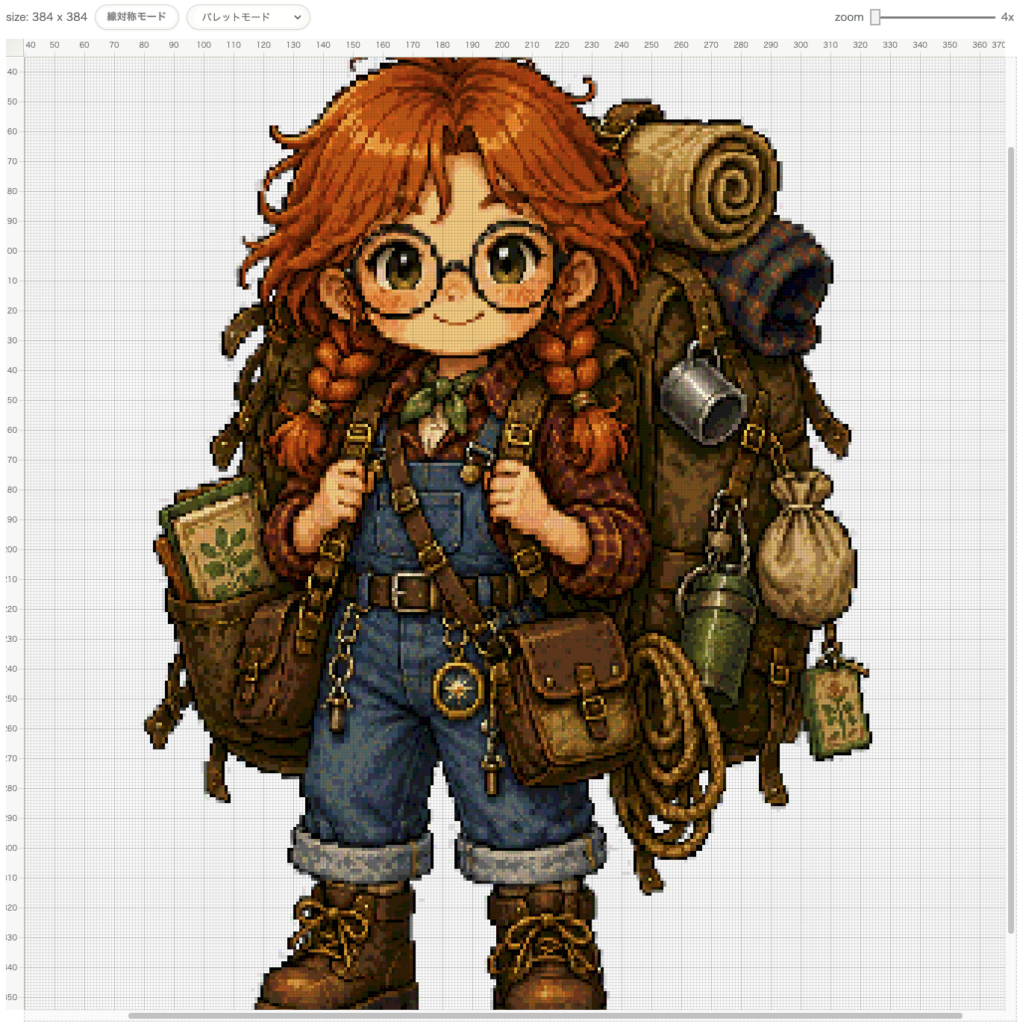
We opened the familiar Adventure Girl sample image and then loaded a palette into it.
The palette we loaded is mainly built around greens and blues, as shown above. Once that palette is applied…
…the image is recolored to match the palette you loaded.
Good Use Cases
- You want multiple assets to share the same color rule
- You already decided on a palette and want to stay consistent
- You want to continue production without increasing the number of colors
Notes
- After loading, the image becomes easier to manage in Palette Mode
- If you load with image conversion enabled, the current artwork is also reorganized around that palette
- Both saved palettes and file-based palette loading are supported