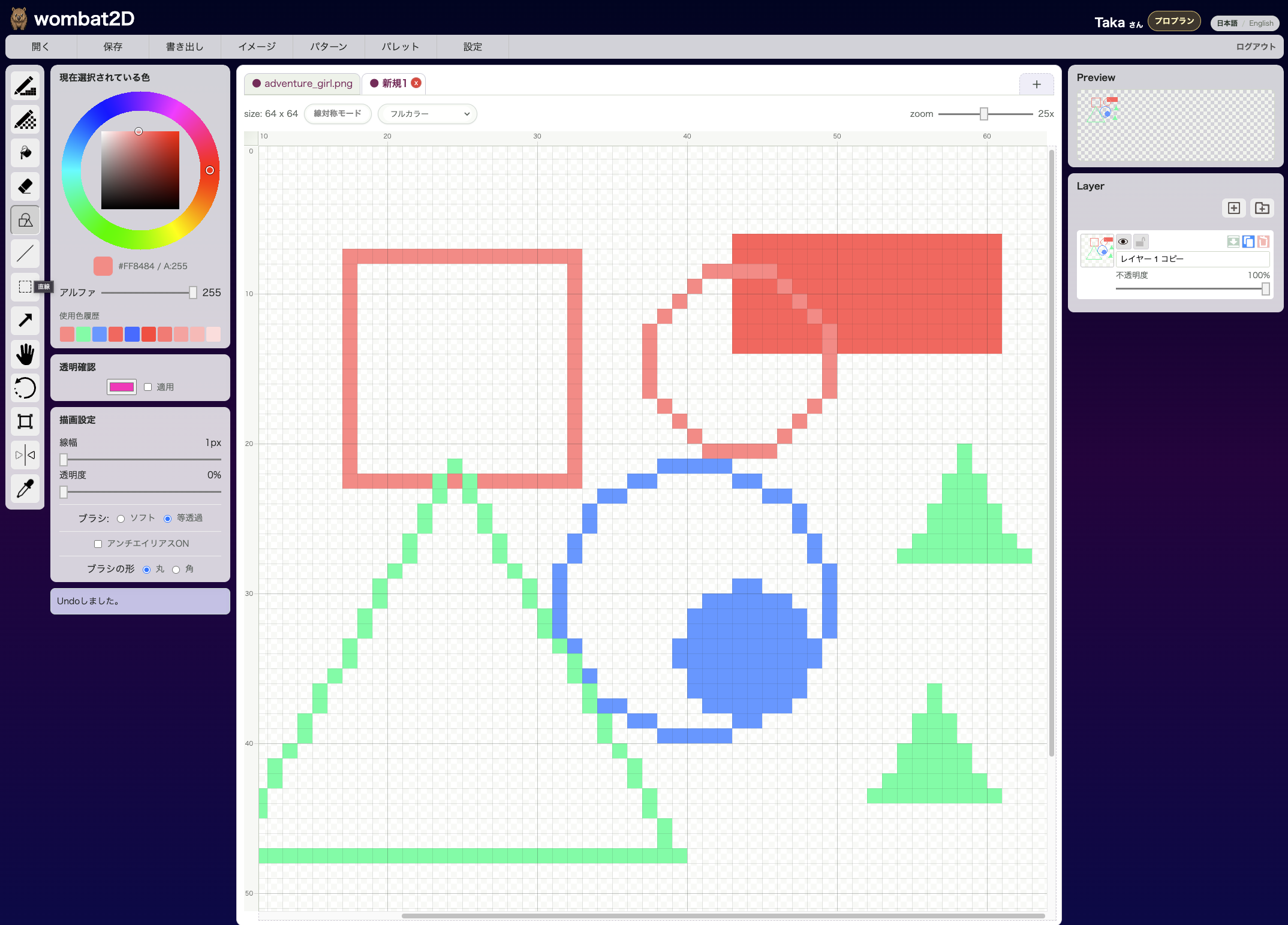
Shape Tool is for placing clean rectangles, circles, triangles, and straight lines. It is useful for outlines that are hard to align by hand, as well as UI parts and symbol work.
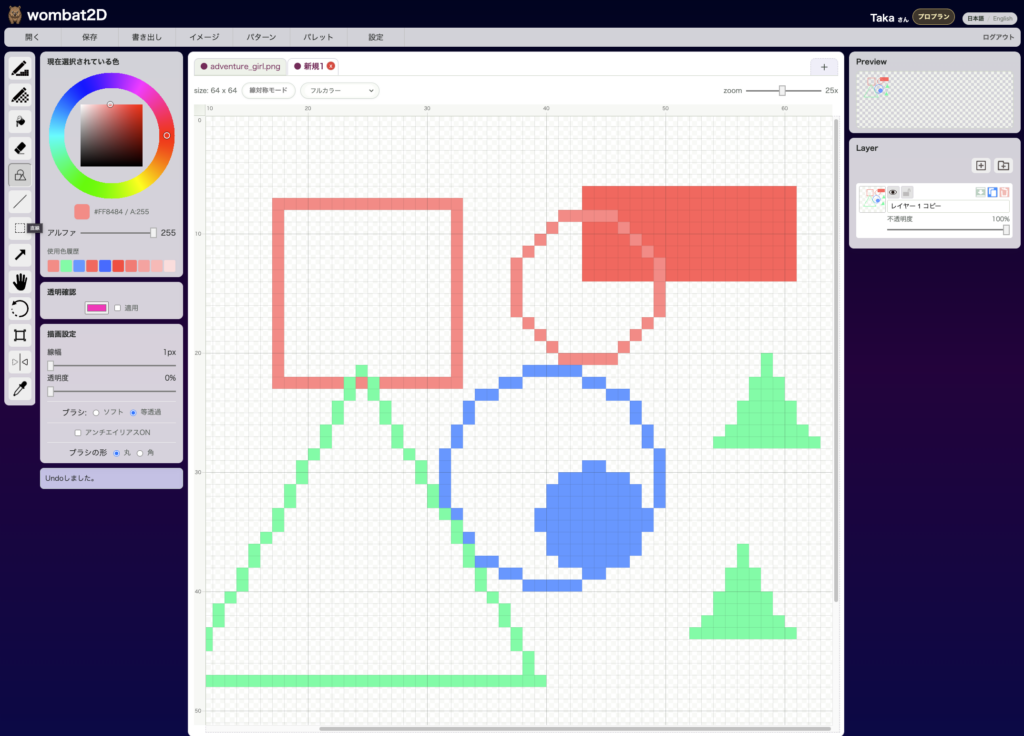
Icon
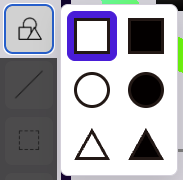
This is the icon with multiple shapes. Clicking it opens a sub-menu where you can choose outline or filled variations.
Effect
Rectangles, circles, and triangles each have outline and filled versions, and the same area also provides the straight-line tool. The shape is created from the region you drag, so it is easy to make regular geometric forms quickly.
If you hold Shift while drawing, the tool constrains the result to a square, perfect circle, or regular triangle.
Shortcuts
- Rectangle:
Shift + R - Circle:
Shift + C - Triangle:
Shift + T - Line:
Shift + L
Filled versions do not have separate default shortcuts.
Related Shortcuts
- Hold
Shiftwhile dragging: constrain the shape - Hold
Space: temporarily pan the canvas Alt+ click: temporarily switch to the eyedropper
wombat2D

