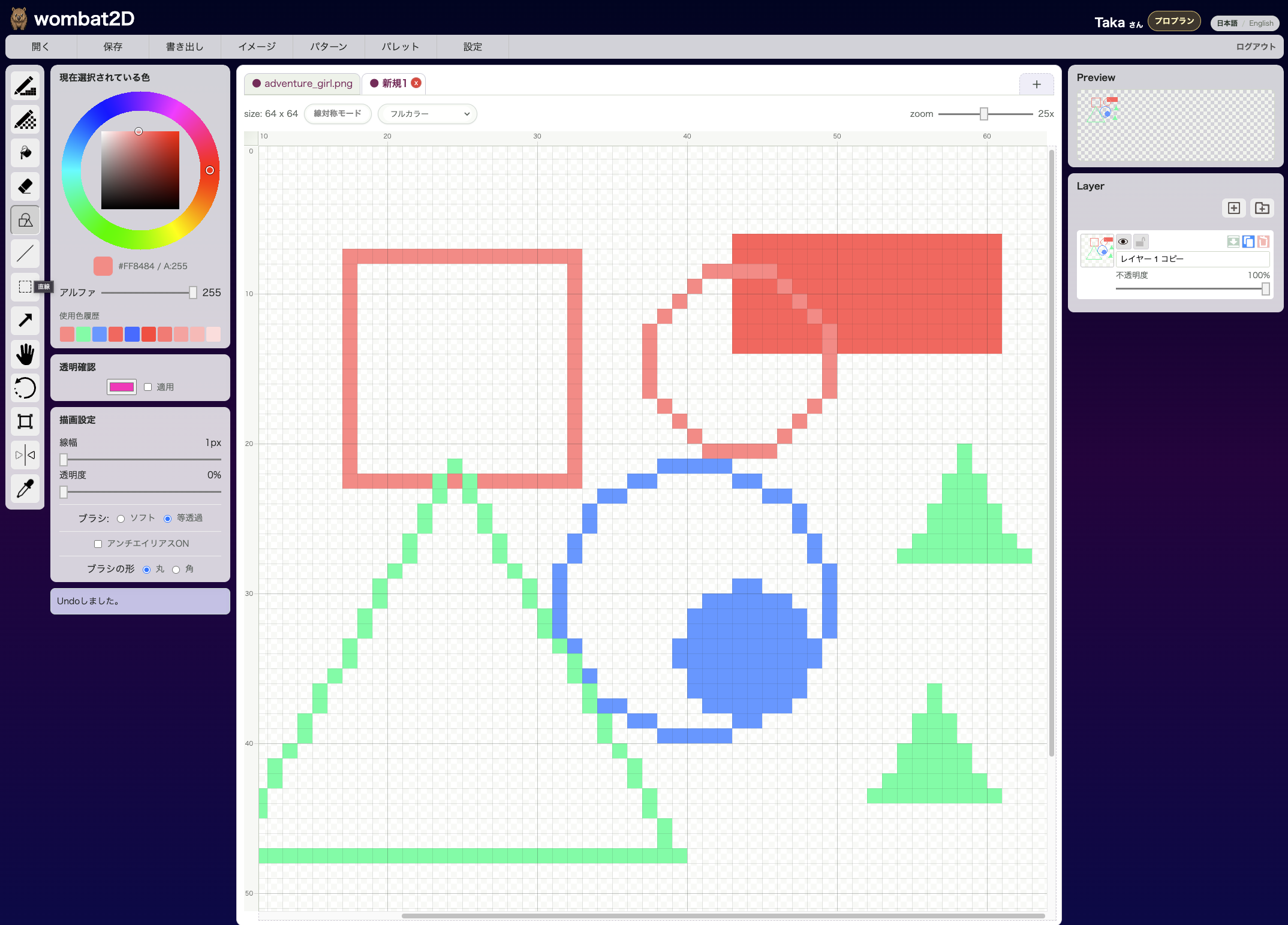
Hand Tool lets you drag the canvas to change what part of it is visible. It is useful when you are zoomed in on a large canvas and want to look around quickly.
Icon

This is the hand-shaped icon. It sits toward the right side of the toolbar.
Effect
You can grab and move the canvas without drawing on it. It is especially helpful when you are zoomed in on details and want to jump to another area quickly.
In practice, you may not need to select the icon very often, because holding Space while dragging temporarily switches you to the same hand behavior from other tools.
Shortcut
The default shortcut is Shift + H. Each press toggles the mode on or off.
Related Shortcuts
- Hold
Space: temporarily pan from any tool - Some preview modals also let you drag with
Spaceheld down
How to Call It from Other Tools
You can switch into hand mode with Shift + H from other tools. In real work, though, temporarily holding Space is usually the faster option.