Flip Tool lets you flip content horizontally or vertically. It is useful when you want to create mirrored variations quickly or reverse the direction of a part without redrawing it.
Icon
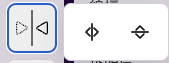
This is the Flip tool icon. It opens two commands: Flip Horizontal and Flip Vertical.
Effect
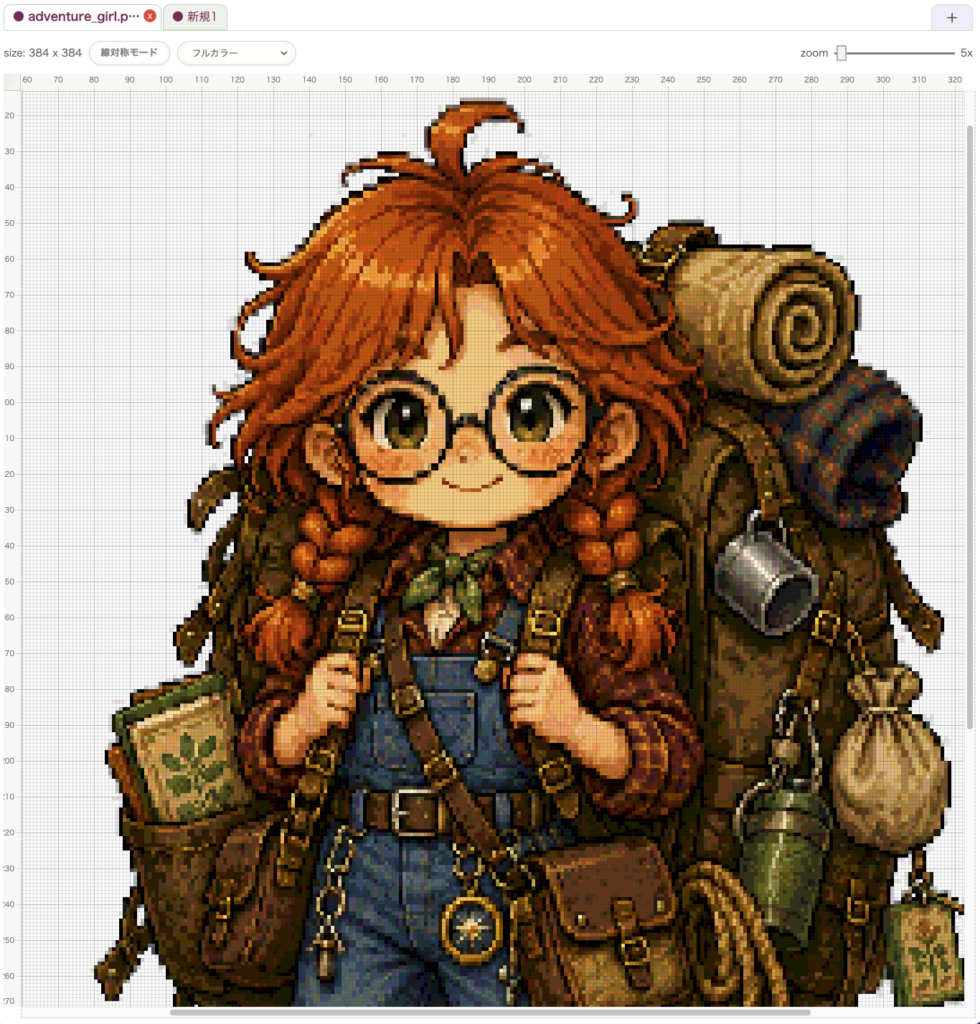
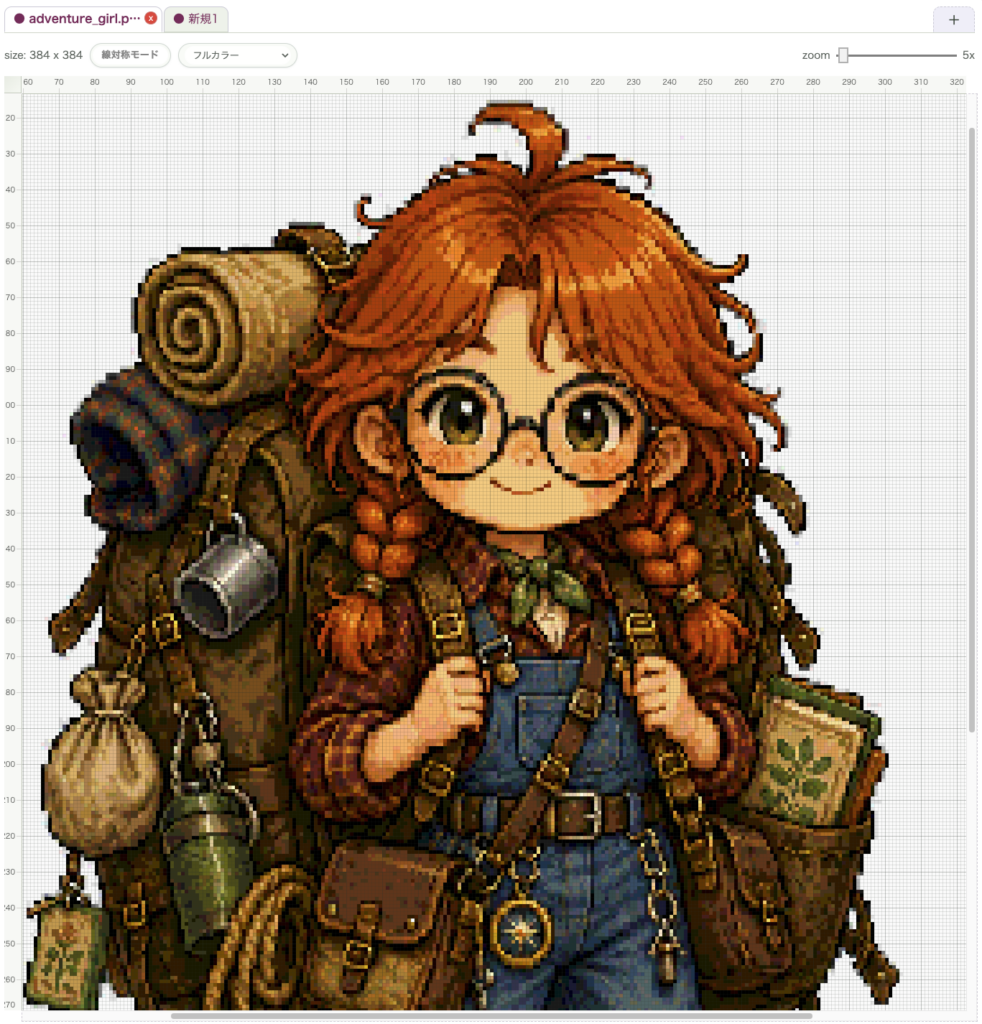
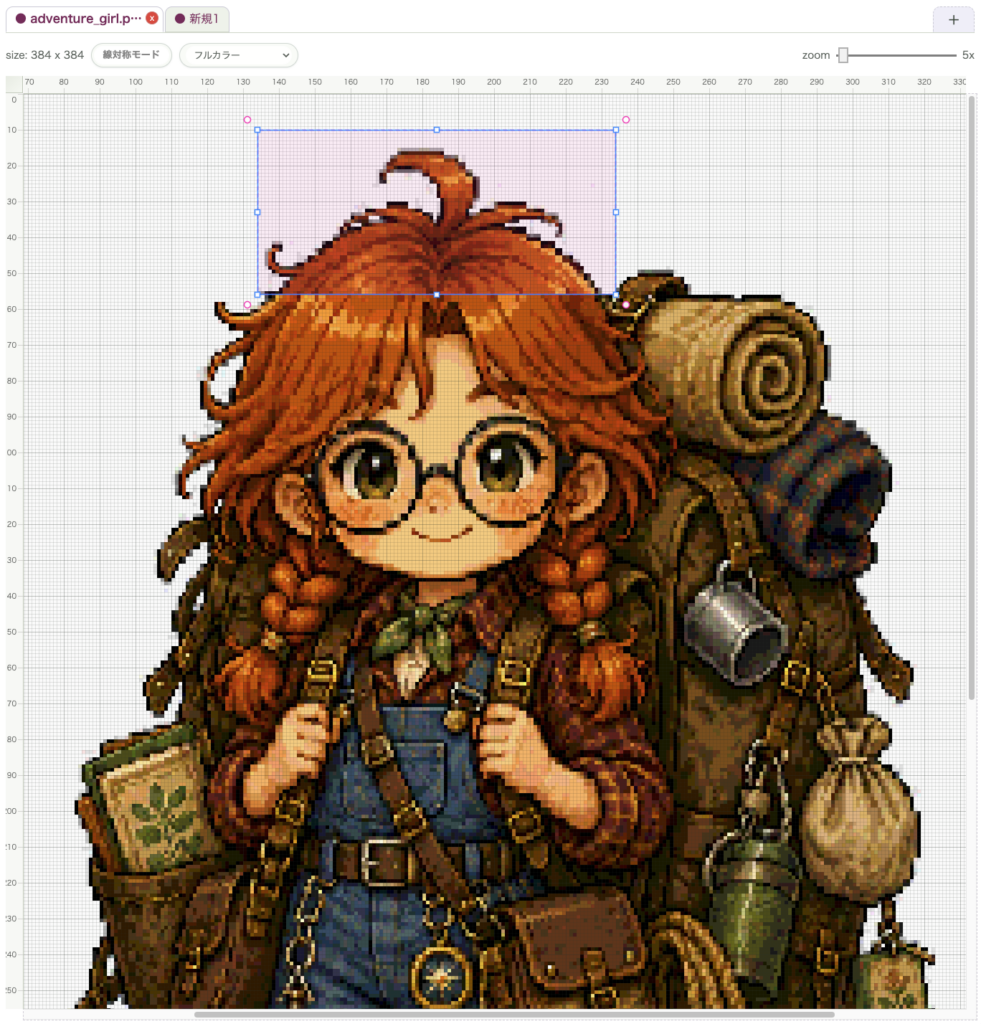
If a selection exists, only that selected area is flipped. If no selection exists, the entire active layer is flipped. That makes it useful both for small part variations and for changing the overall orientation of a layer.
Shortcut
There is no default keyboard shortcut. Run it from the Flip menu in the toolbar.
Related Shortcuts
- Hold
Space: temporarily pan the canvas - Using
Selection Toolbefore flipping makes partial flips easier
How to Call It from Other Tools
There is no direct shortcut. In practice, it is easiest to create a selection first and then open the Flip menu.
wombat2D

