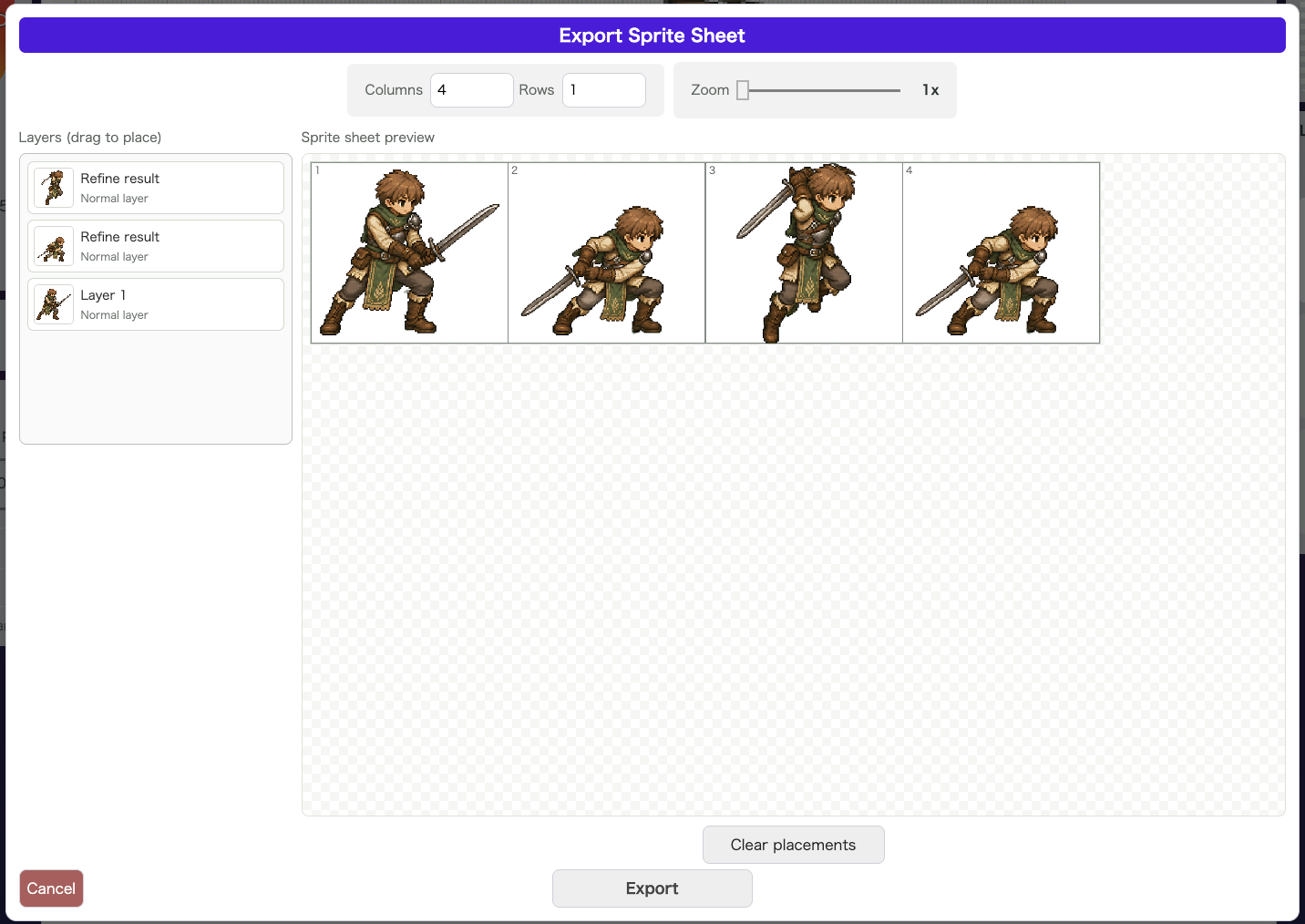
Like other drawing tools, wombat2D lets you draw on multiple layers, edit them independently, and merge them when needed.
How to Use It
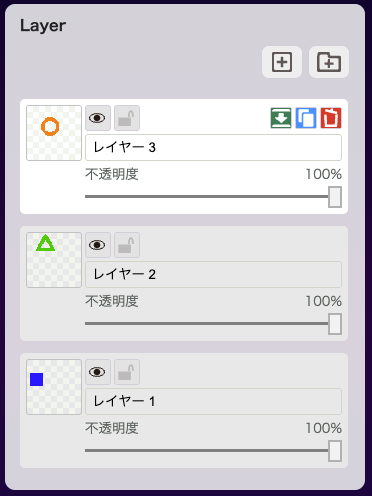
Use the button shown below at the top right of the layer area to add a new layer.

The next button adds a layer folder. It is useful when you want to group several layers together.

The layer shown with a white background is the active layer. Any drawing or editing you do applies to that layer’s canvas.
Three buttons appear on the active layer.

From left to right:
- Merge with the layer below
- Duplicate the layer
- Delete the layer
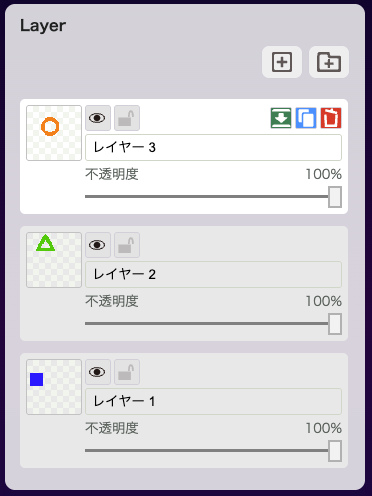
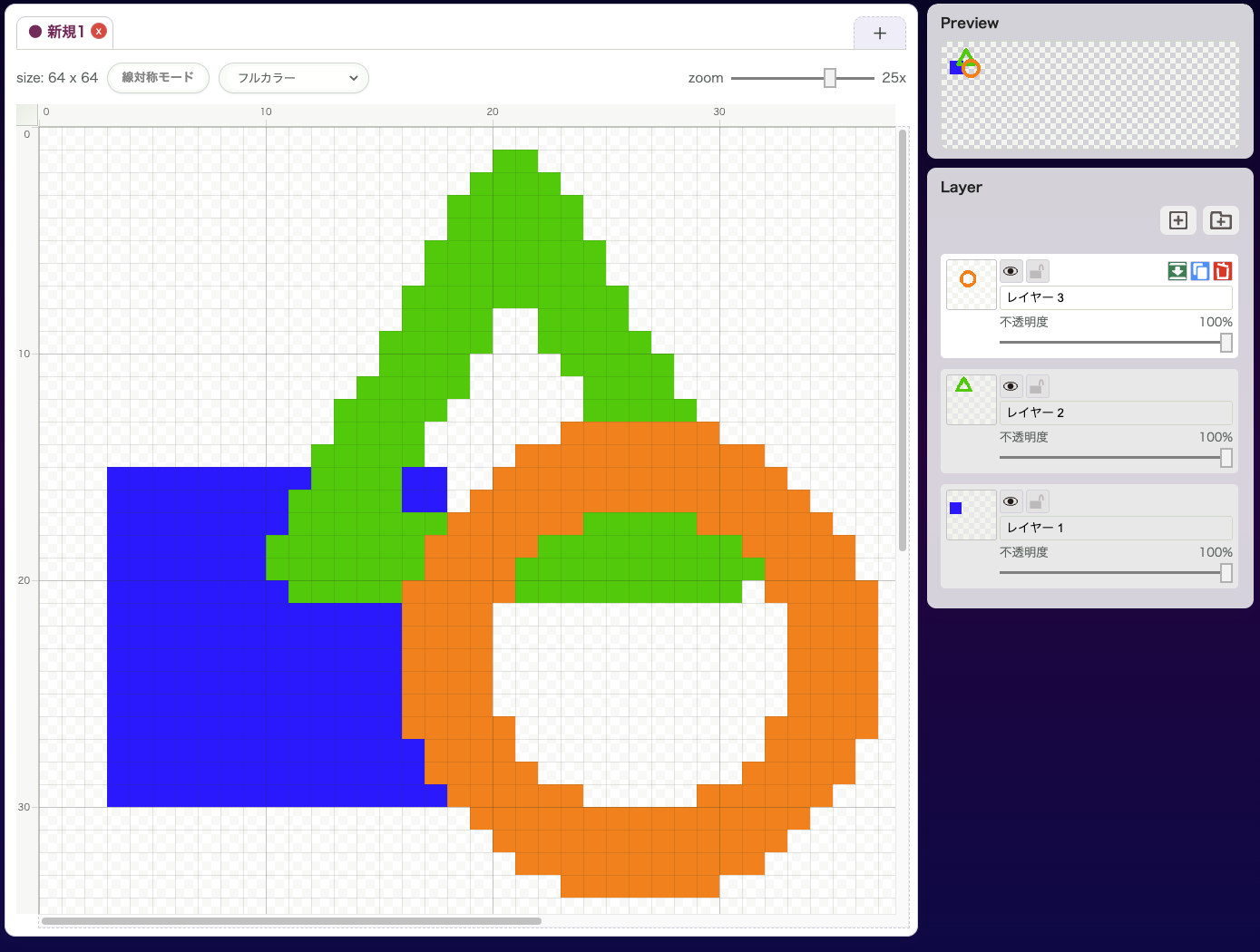
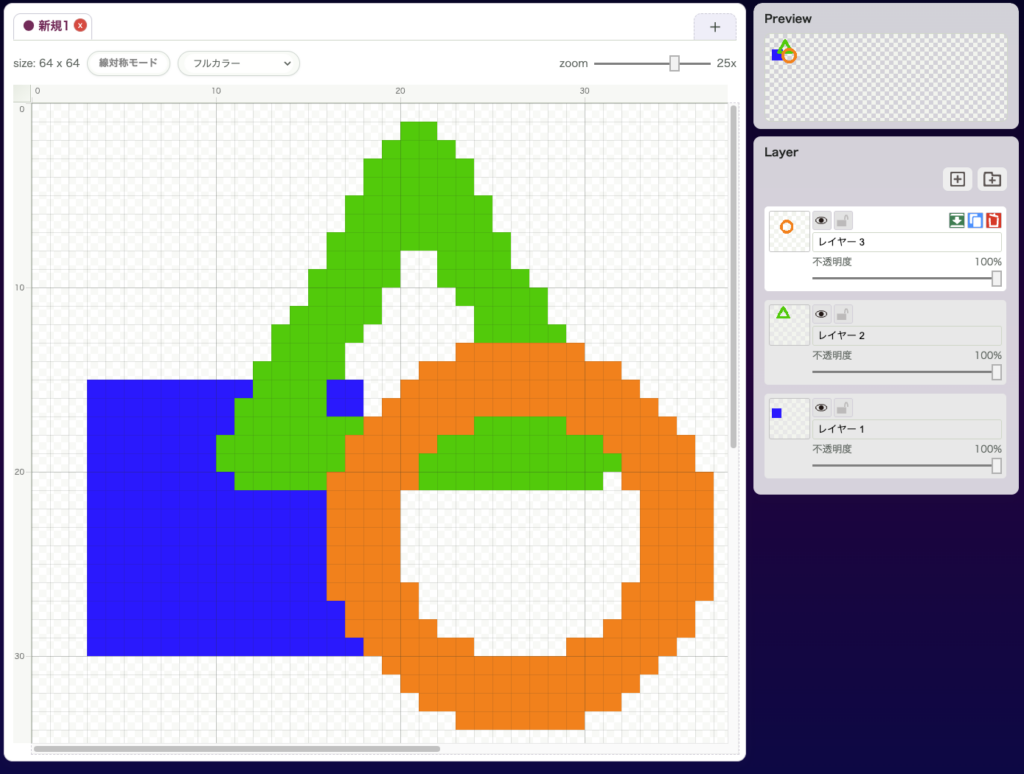
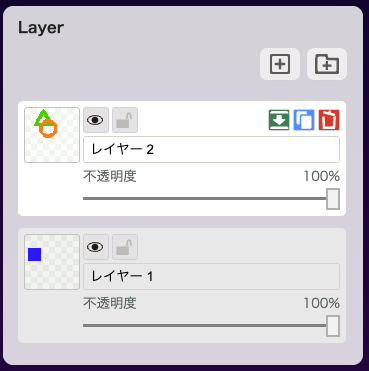
For example, if you have three layers like this, activating the top layer and merging it will produce the result shown below.
wombat2D