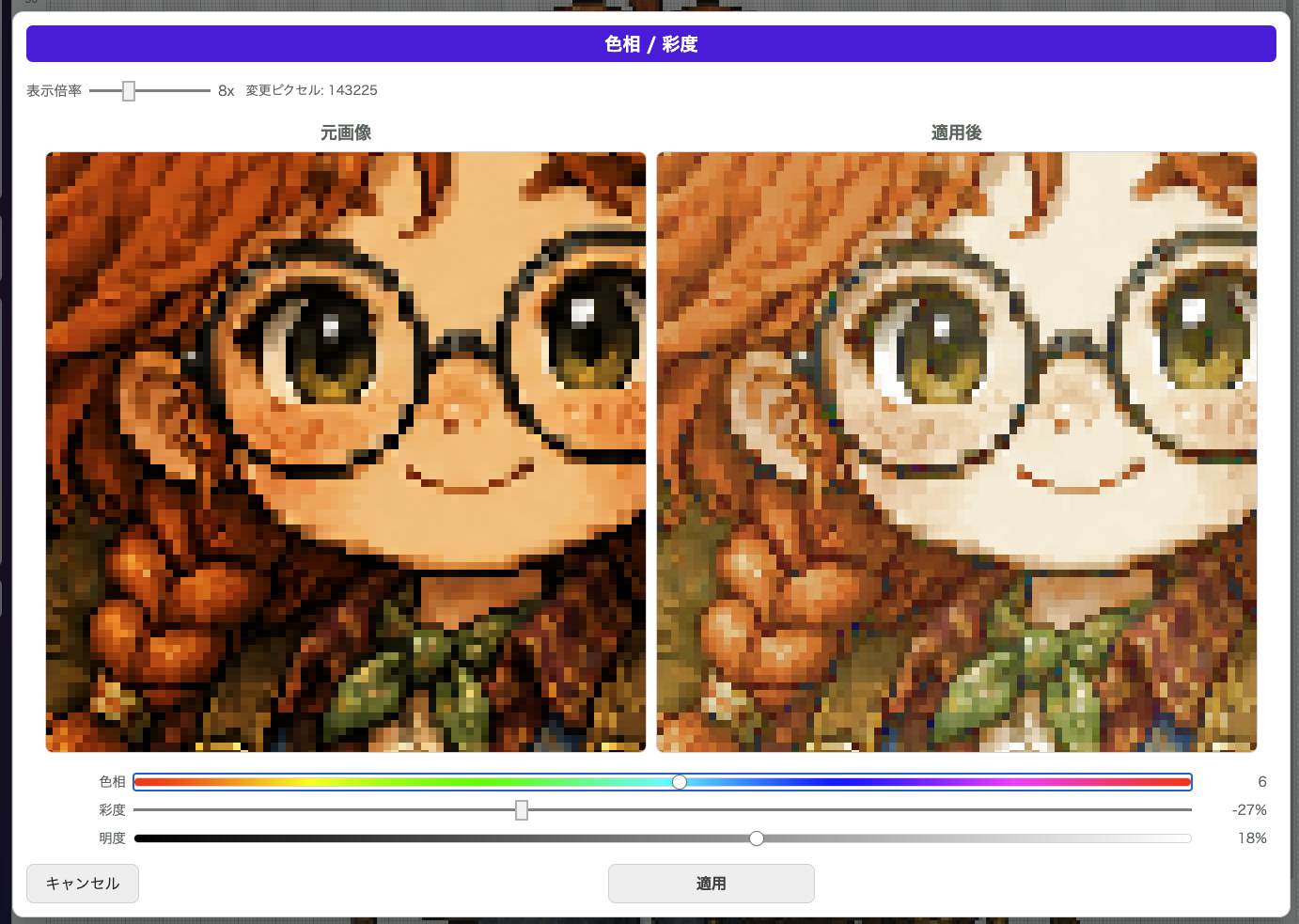
Hue / Saturation is for quickly adjusting the overall color feel of the image. It is useful when you want to shift the mood a little or create color variations from the same artwork.
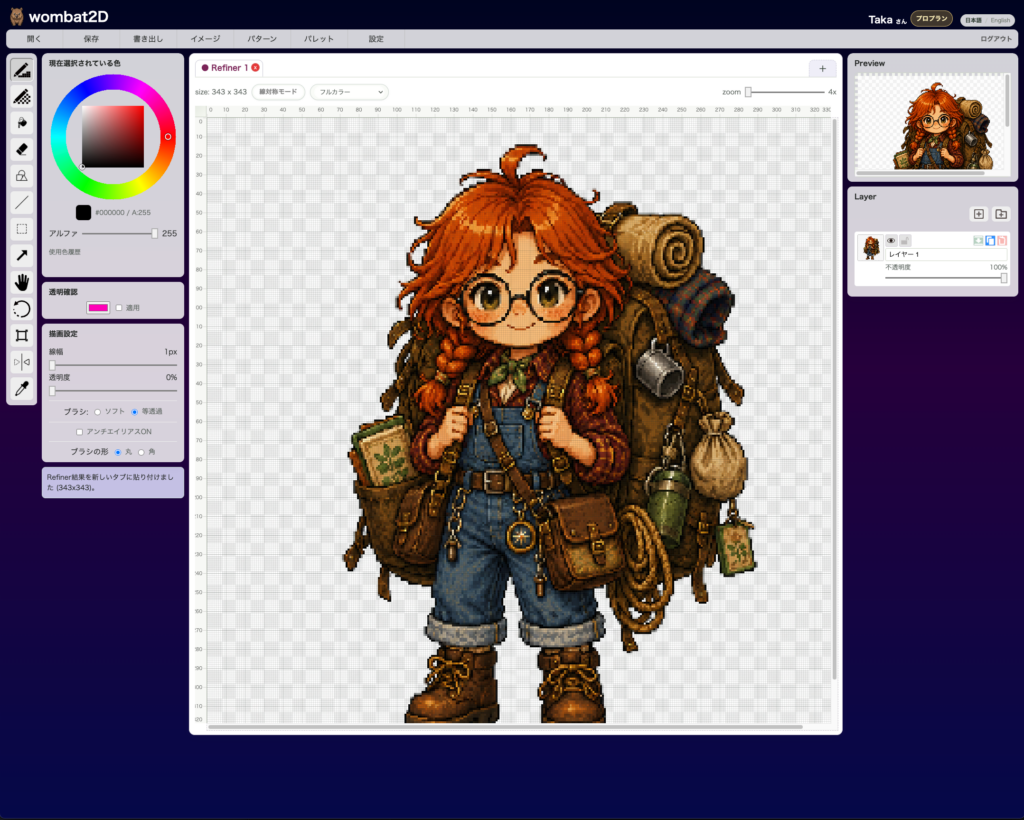
Make sure the image you want to edit is open.
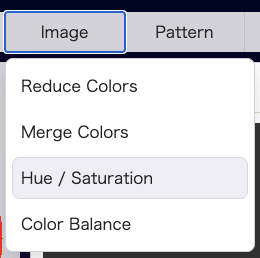
Open Image > Hue / Saturation to compare the original image and the adjusted preview side by side.
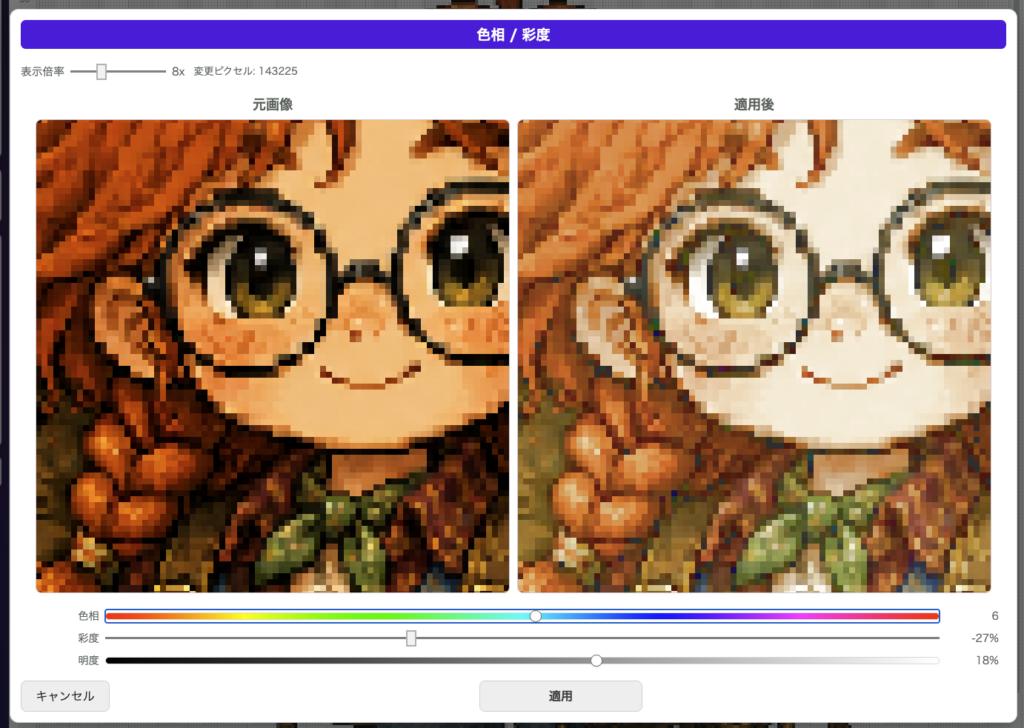
The three adjustable values are Hue, Saturation, and Lightness. The preview updates each time you move a control, so you can judge the change as you work.
This is useful for things like shifting a daytime image toward an evening palette, calming down colors that feel too loud, or boosting a dull image without redrawing the original layers.
Good Use Cases
- You want to make alternate color versions
- You want to shift the overall mood a little
- You want to refine only the color tone after the drawing is finished
Notes
- You can inspect the preview while zooming
- You can undo it after applying it
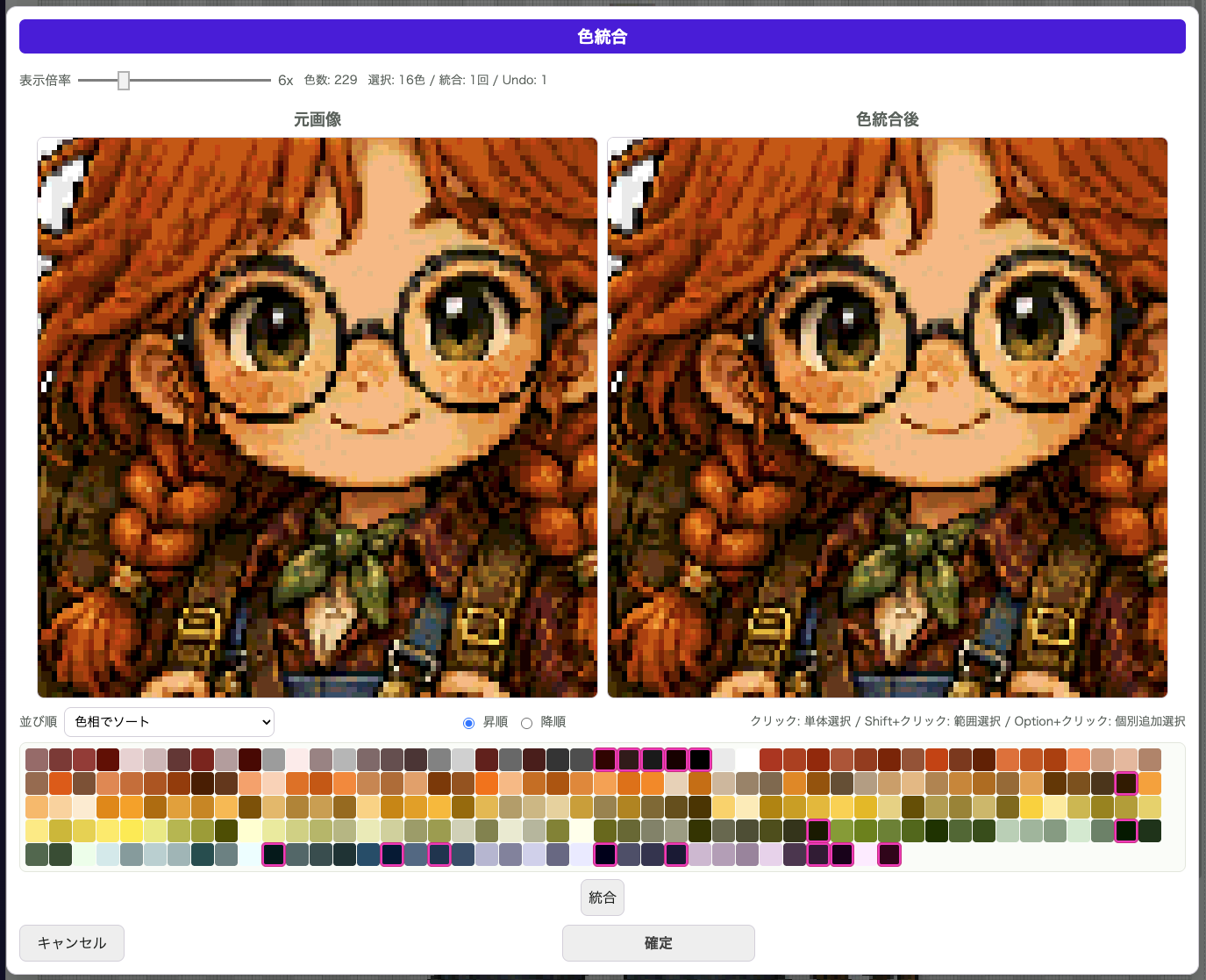
- A common workflow is to make a big color shift first, then clean things up further with
Merge ColorsorReduce Colors
wombat2D