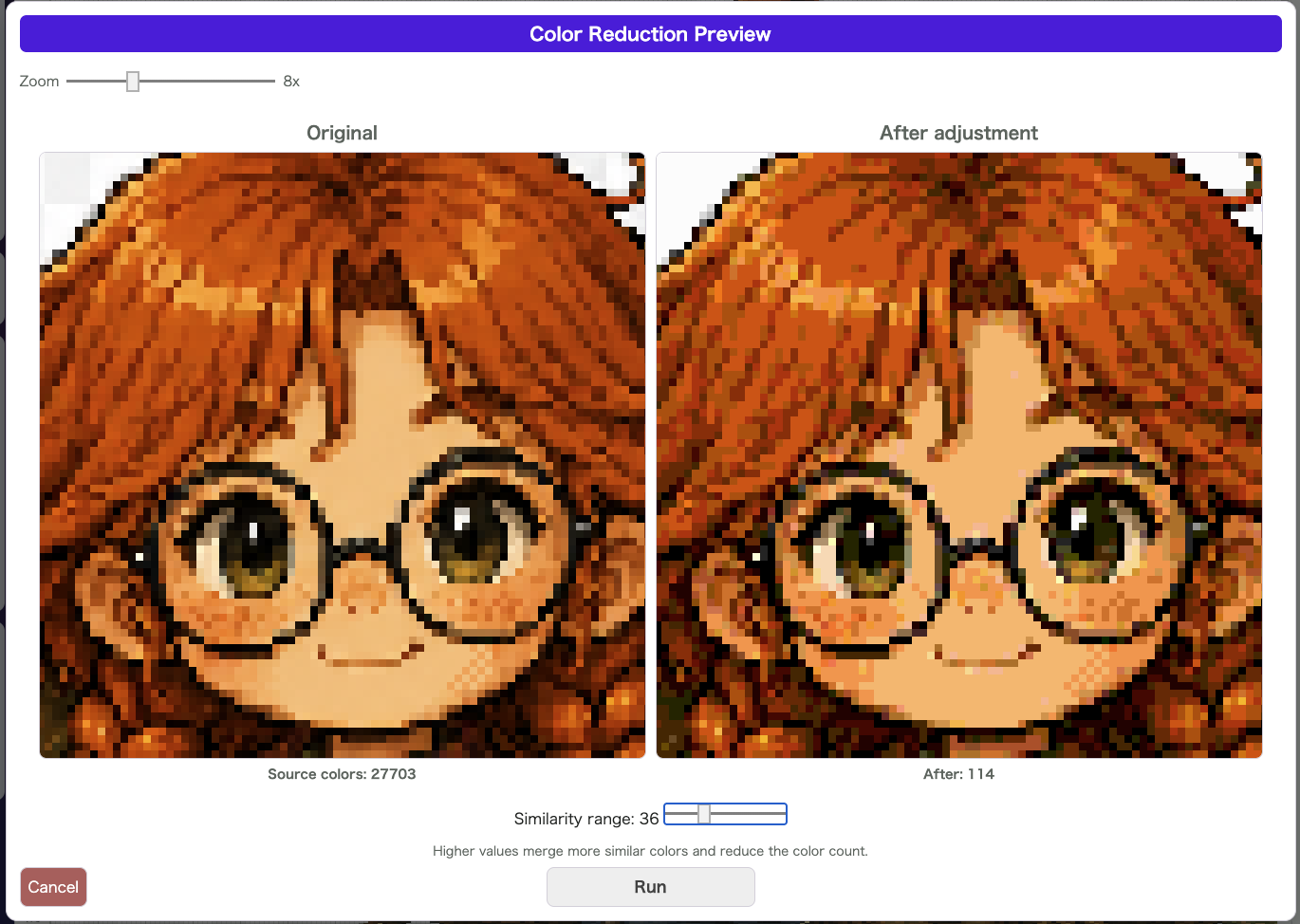
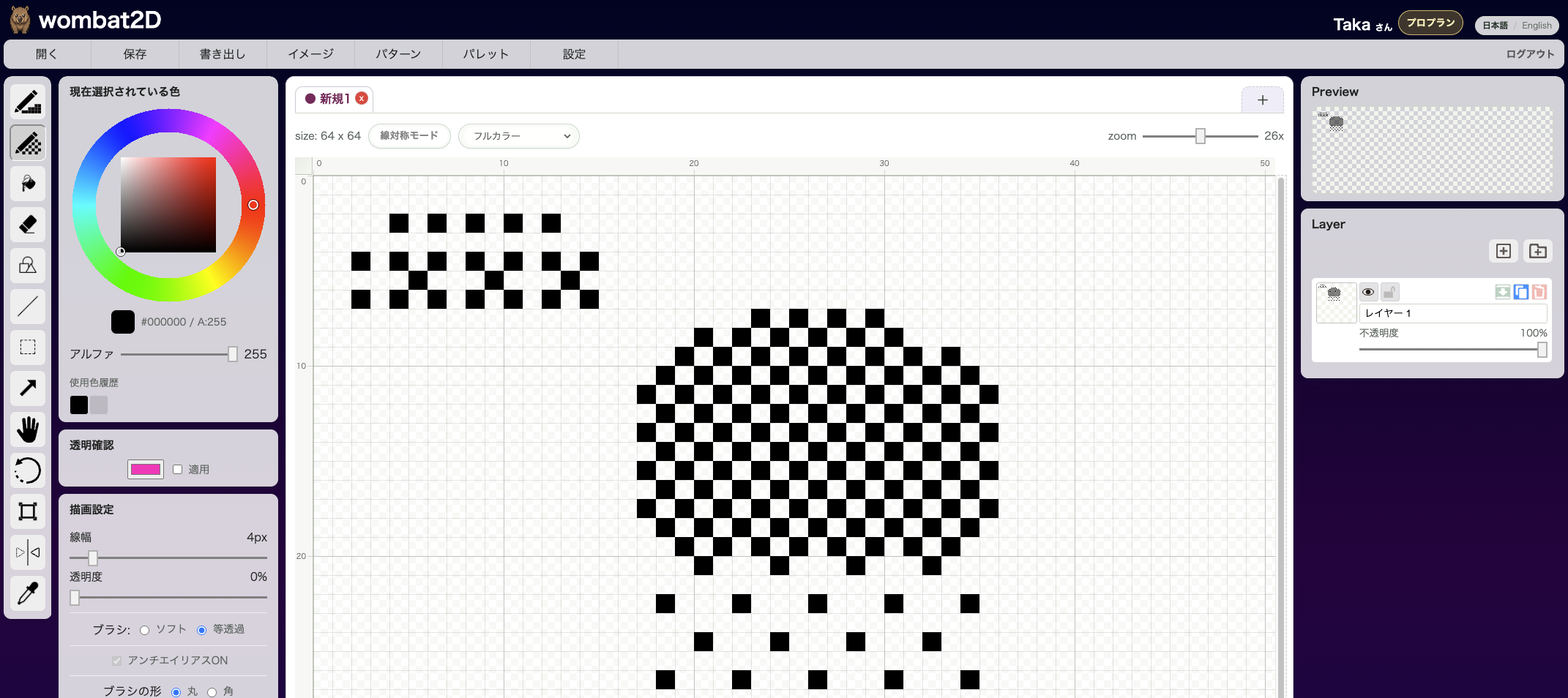
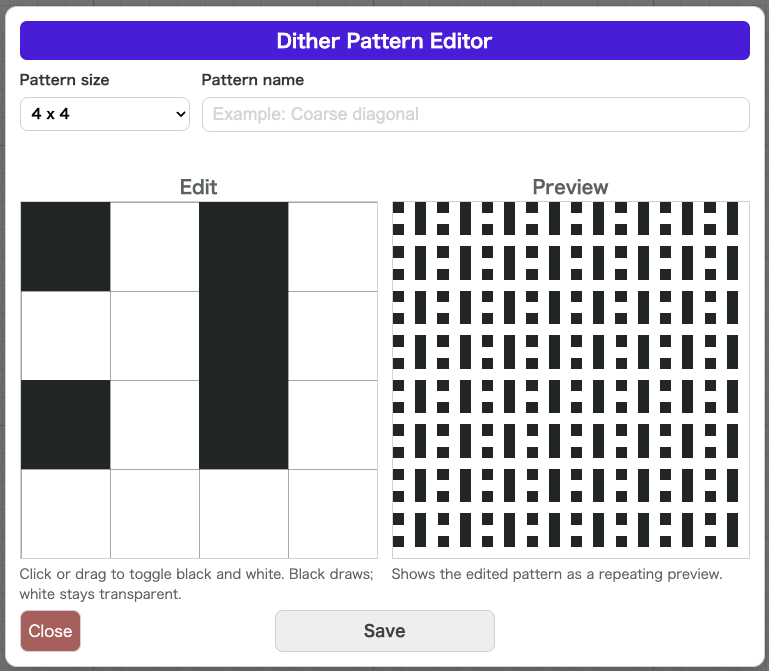
Dither Pattern Editor lets you create and save your own dithering patterns. It is useful when the built-in patterns are not enough and you want a texture that matches your own art style.
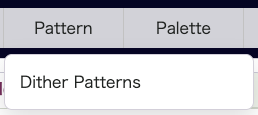
Open Pattern > Dithering to display the editing grid and the live preview.
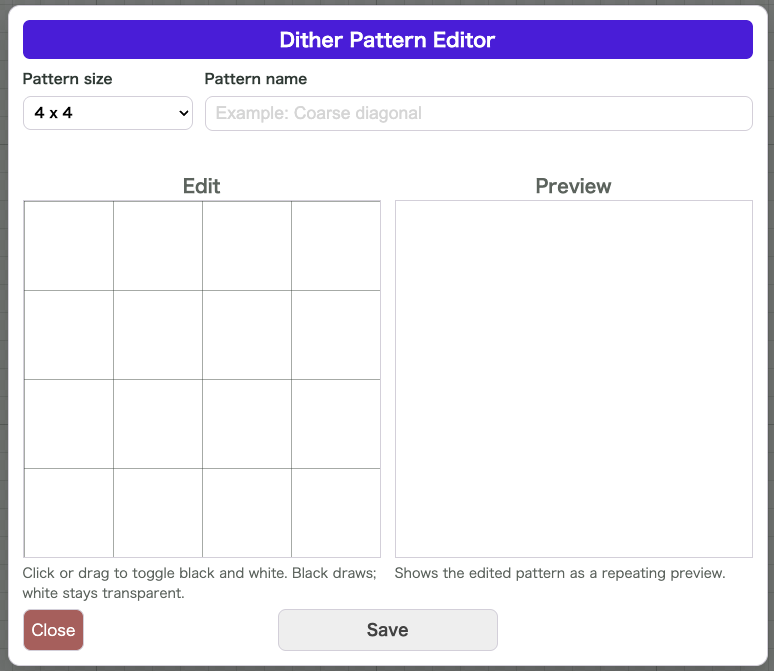
You can choose pattern sizes from 2 x 2 up to 16 x 16 and design the pattern by clicking or dragging to switch each cell between black and white. Black cells are drawn, while white cells are treated as transparent.
Saved patterns become available in both the Dithering Pen Tool and Dither Fill, which makes it easy to keep a consistent noise or material texture across an entire project.
Good Use Cases
- The built-in dithering patterns are not enough
- You want a grain structure that fits your own art style
- You want to reuse the same custom pattern repeatedly
Notes
- This feature is designed for
PCworkflows - Saved patterns are stored in the browser
- Giving each pattern a name makes it easier to pick later