Canvas Resize Tool lets you change the crop area and overall canvas size while keeping the existing drawing. Use it when you want to trim empty margins or narrow the canvas to just the area you need.
Icon

This is the Canvas Resize icon. It sits to the right of the Rotate tool.
Effect
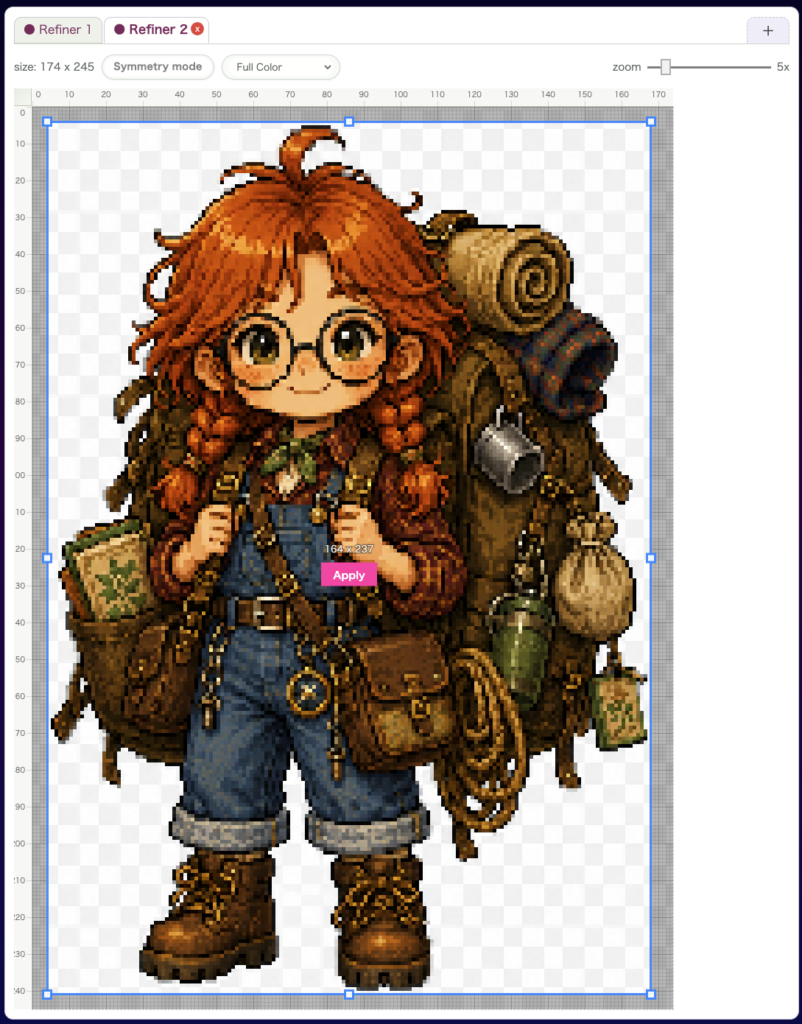
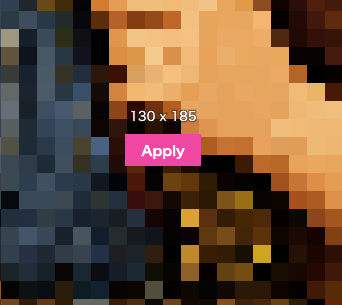
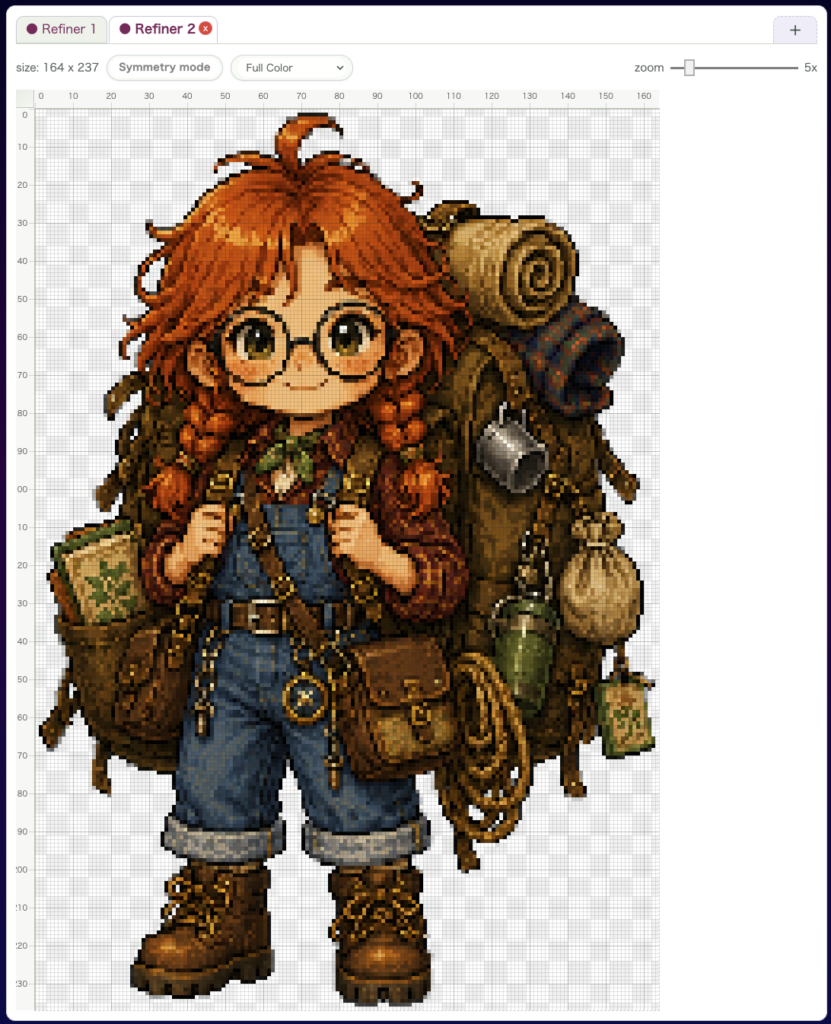
Drag a new range on the canvas, then click the centered Confirm button or press Enter. The selected range becomes the new canvas size.
Shortcut
The default shortcut is Shift + Z.
Related Shortcuts
Enter: confirm the selected resize areaEscape: cancel the resize operation- Hold
Space: temporarily pan the canvas
How to Call It from Other Tools
You can switch to it with Shift + Z from other tools. After resizing, the editor naturally returns you to the pen workflow, so it is easy to continue drawing right away.
wombat2D