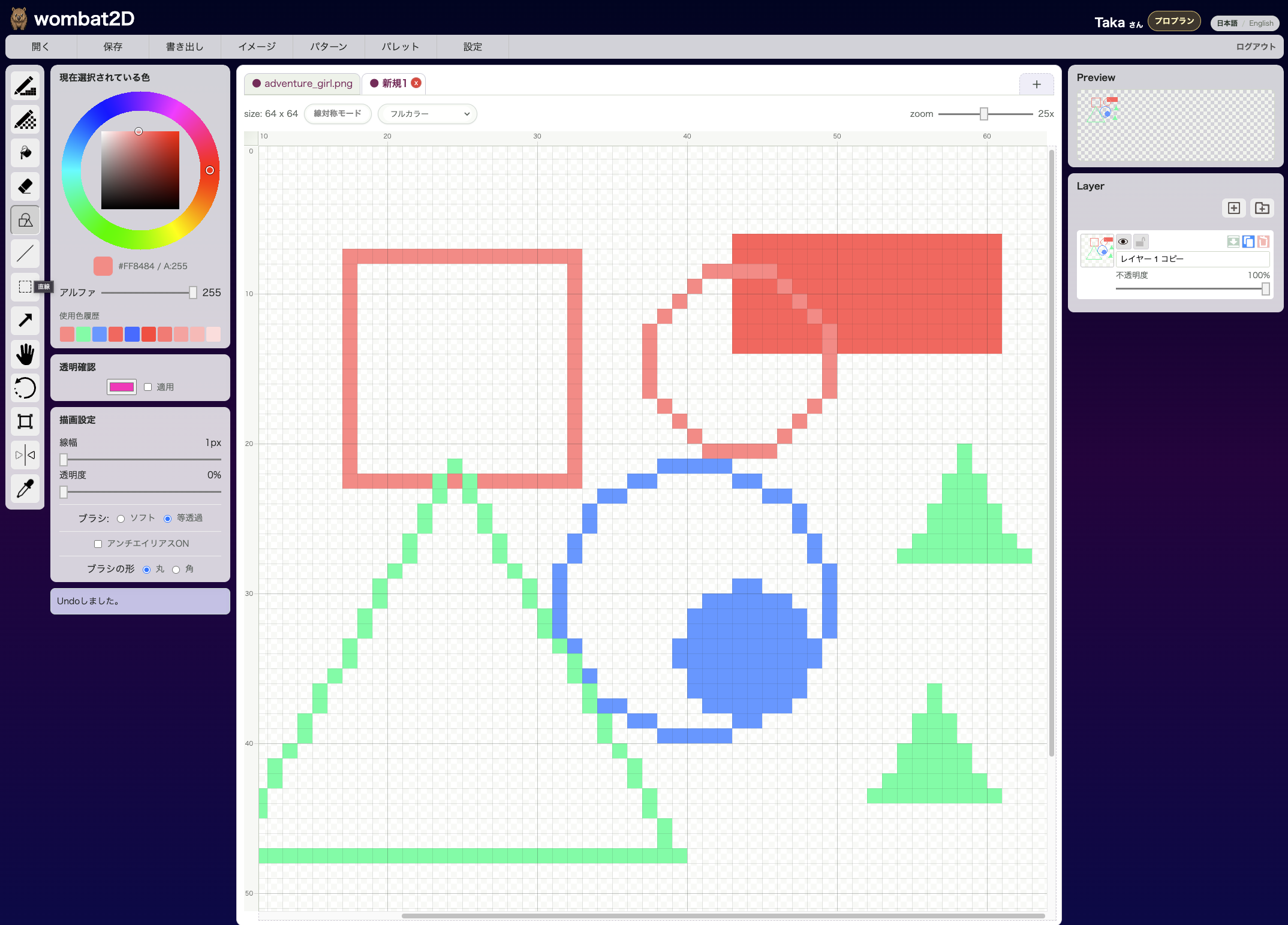
Arrow Tool is used to move a selection or an entire layer. It is not for drawing; it is for alignment and small positional adjustments.
Icon

This is the arrow icon. It sits near the selection tools.
Effect
If a selection exists, the selected area can be moved. If no selection exists, the whole active layer moves instead.
In practice, right after you make a selection, you often get the same move behavior immediately, so there may be fewer cases where you explicitly switch to the Arrow Tool.
Shortcut
The default shortcut is Shift + W.
Related Shortcuts
Arrow Keys: move by 1 pixel at a time- Hold
Ctrl/Cmd: move all visible, unlocked layers together - Hold
Space: temporarily pan the canvas
How to Call It from Other Tools
You can switch to it with Shift + W from other tools.
wombat2D