Selection Tool is used when you want to define an editable area or cut something out. It offers three methods: rectangle selection, freehand selection, and automatic selection based on similar colors.
Icon
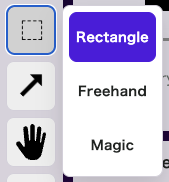
This is the selection icon. Clicking it lets you choose Rectangle, Freehand, or Auto.
Common Workflow
Once a selection is created, transformation, rotation, and movement become easy to handle from the same selection frame.
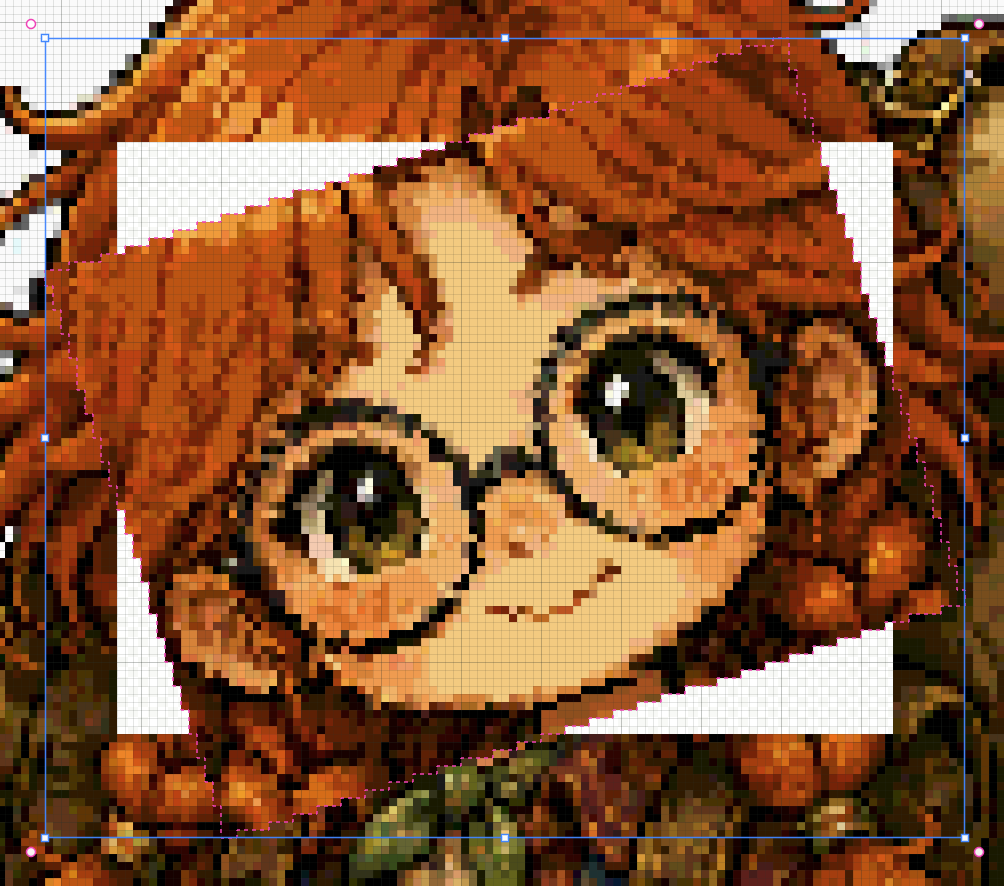
Transform / Rotate
Choose Rectangle, Freehand, or Auto selection, then specify an area on the canvas.
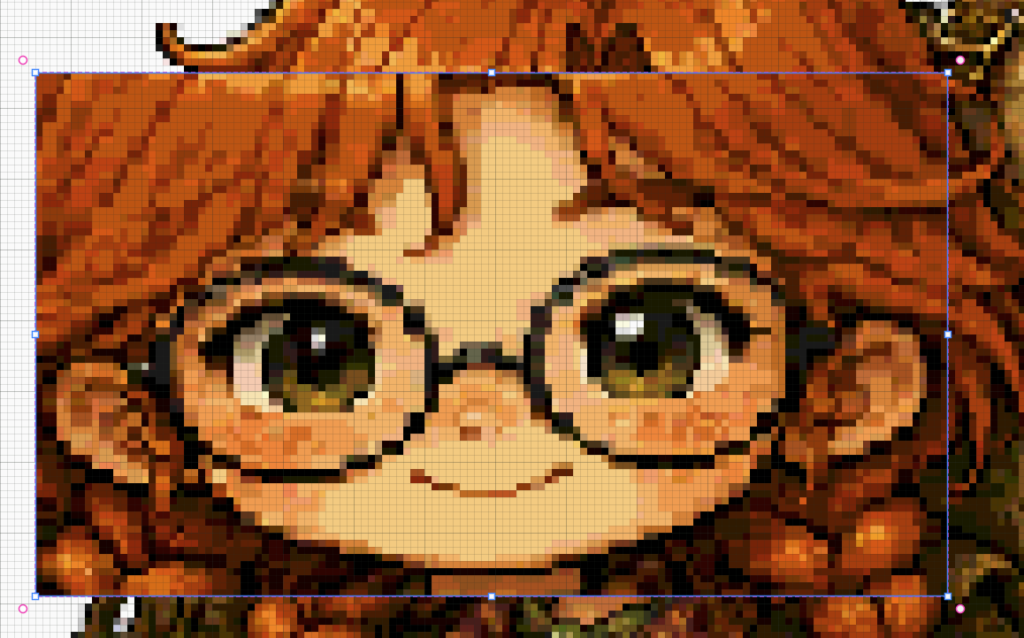
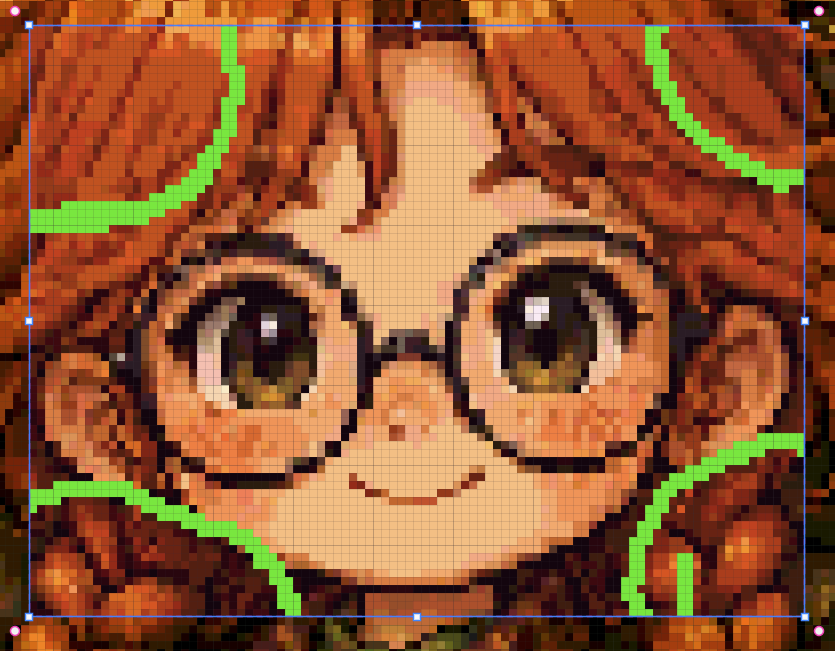
A blue outline and blue handles appear around the selected area, and pink handles appear for rotation.
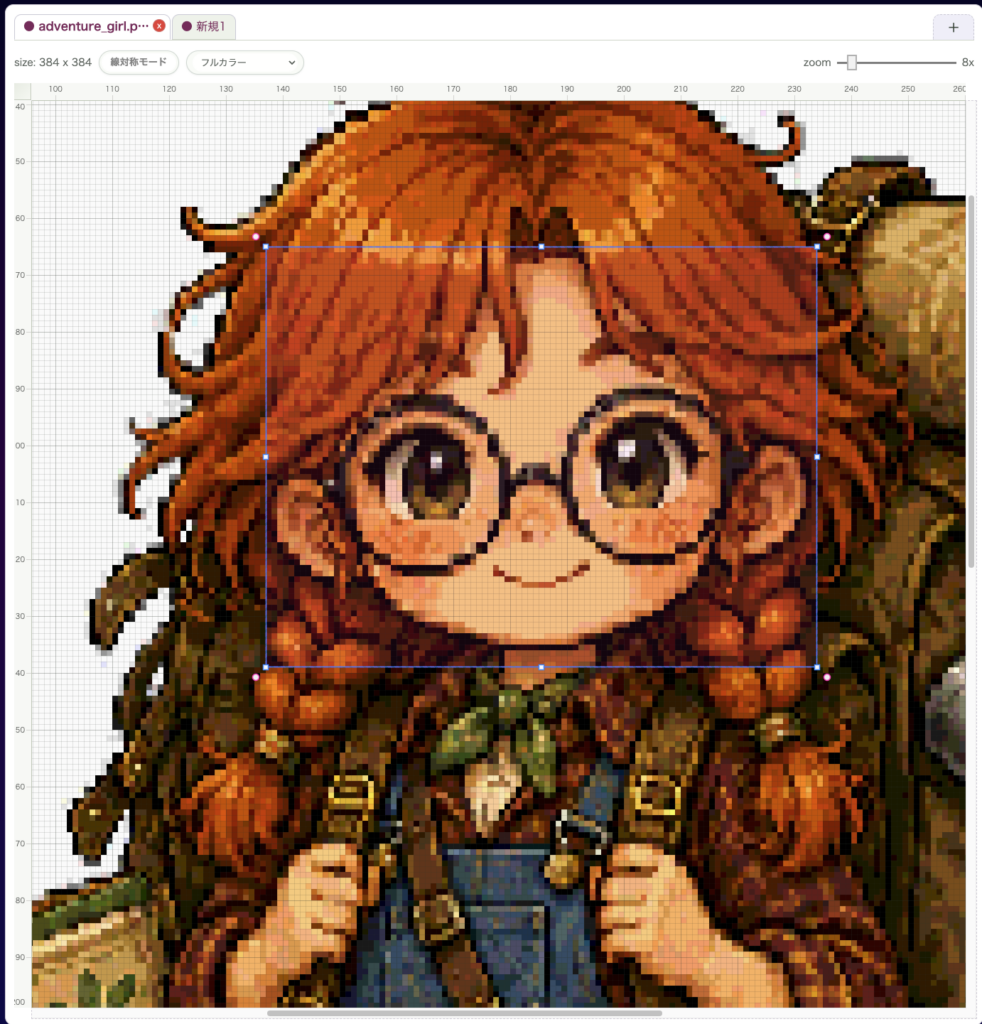
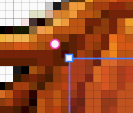
The blue handles appear on the four sides and four corners, while the pink handles appear on the corners for rotation.
Move
Drag inside the frame to move the selected area.
Copy
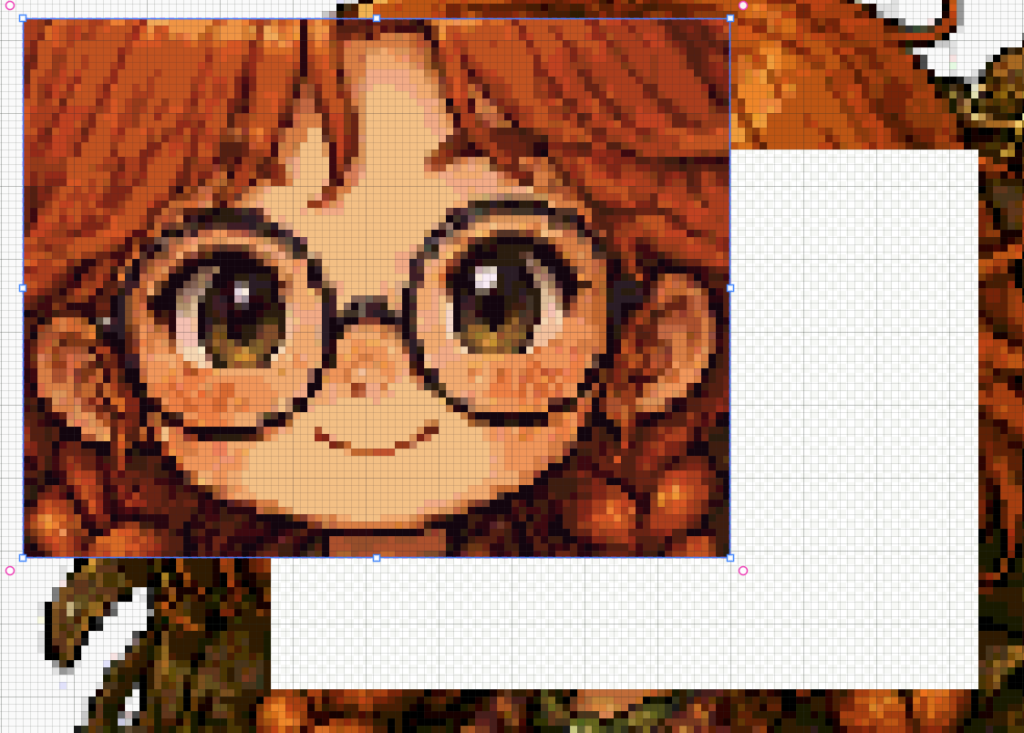
Use Ctrl/Cmd + C to copy the current selection.
Editing
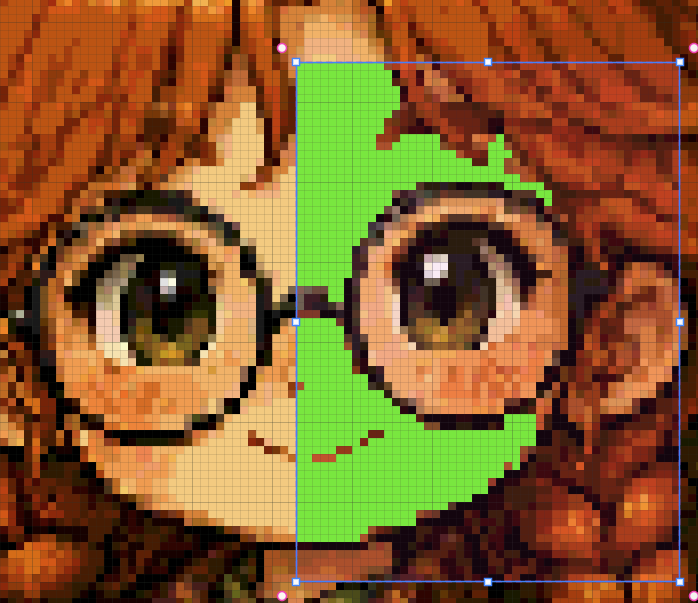
When a selection exists, tools such as the Pen Tool and Bucket Tool only affect the inside of that selection.
Shortcuts
- Rectangle selection:
Shift + S - Freehand selection:
Shift + F - Auto selection:
Shift + A
Related Shortcuts
Delete/Backspace: delete the selected areaCtrl/Cmd + C: copy the selected area- Pasted images can sometimes be treated as a new layer or a new tab
- Hold
Space: temporarily pan the canvas