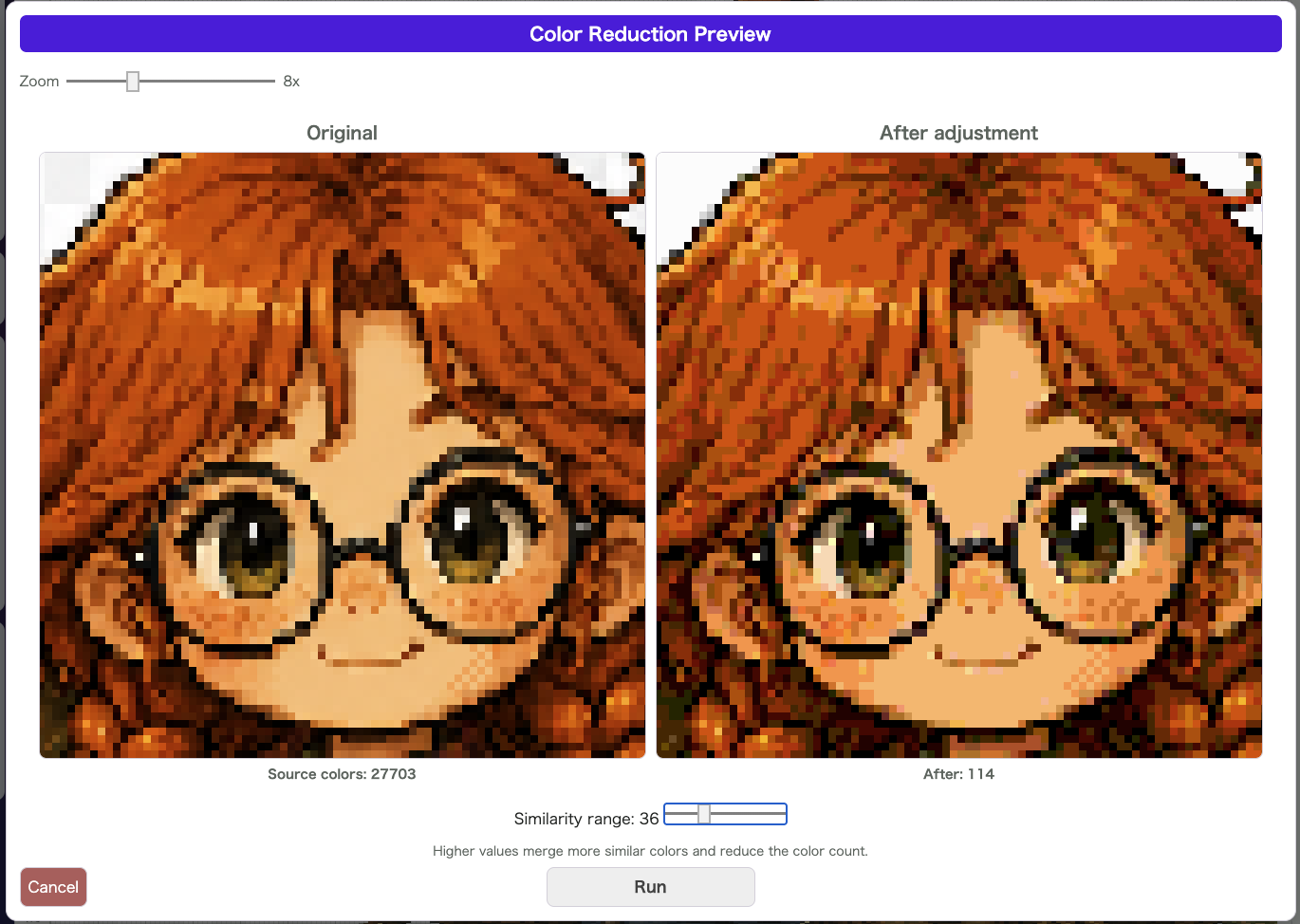
Reduce Colors groups nearby colors together to simplify the palette. It is useful when you finish drawing and realize that the color count has grown too large or that the image would benefit from a cleaner, simpler color structure.
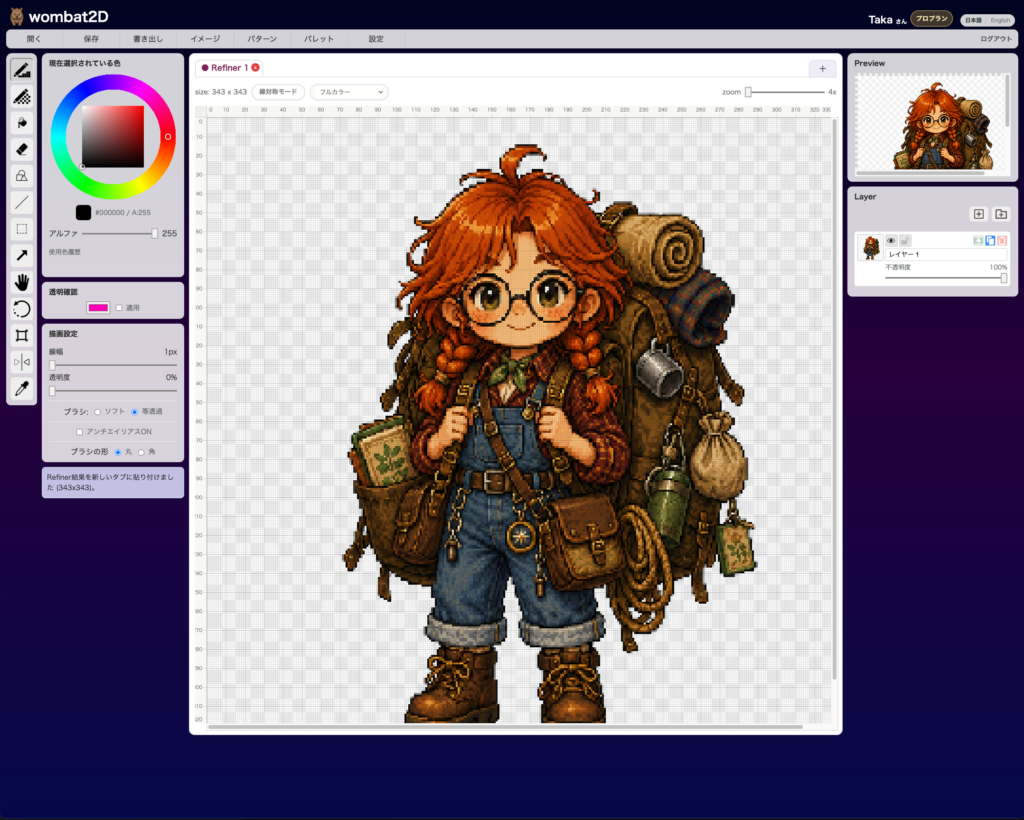
First, make sure the image you want to simplify is open.
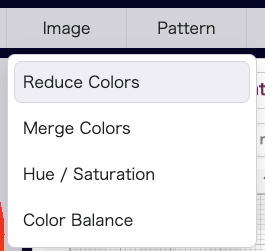
Open Image > Reduce Colors to display the preview modal.
There you can move the Threshold slider to see how much the color count is reduced. As the value increases, more similar colors are merged together.
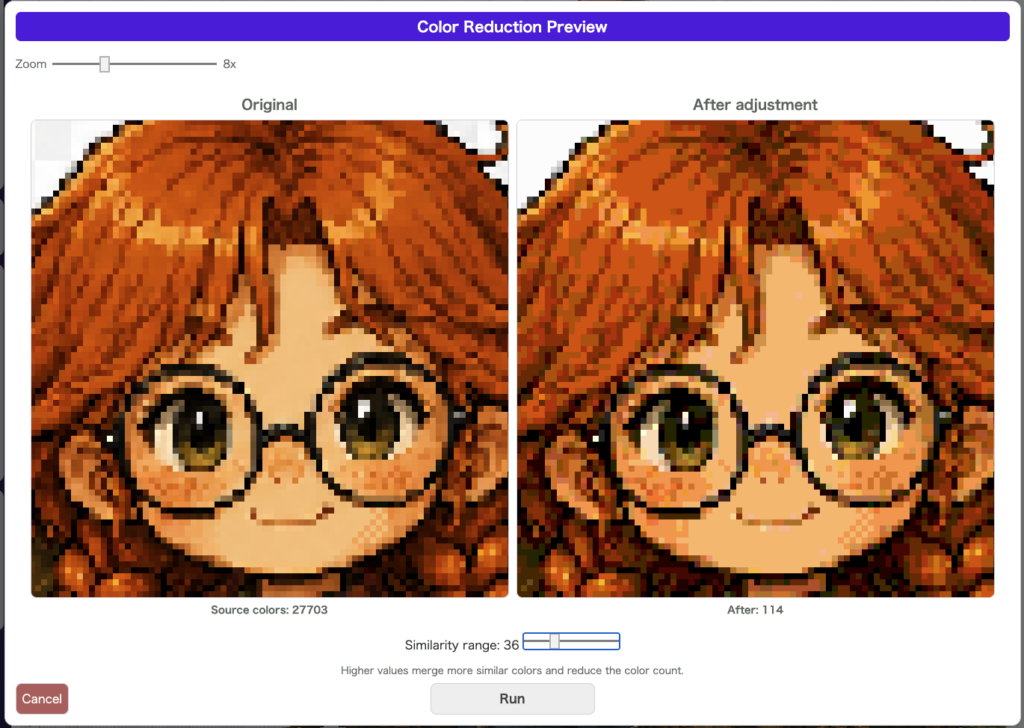
This feature is especially good when you want to do a quick first-pass cleanup. If you want tighter control over exactly which colors are combined, follow it up with Merge Colors.
Good Use Cases
- You want to reduce the number of colors quickly
- You want to smooth out color variation in pixel art
- You want a rough cleanup before switching to a stricter palette
Notes
- You can adjust it while checking the preview inside the modal
- You can undo it after applying it
- Because similar colors are combined automatically, it is useful when speed matters more than manual fine-tuning
wombat2D